Three Dashboards in one Weekend
Build for Desktop, Mobile and Embedded with C++, Python and QML
- Source code
About this book
Stop choosing between Qt technologies blind. This free 63-page book has you build the same professional dashboard three ways, with Qt Widgets and C++, PySide6 and Python, and Qt Quick/QML, so you can discover which one fits your projects. It’s not a reference manual. It’s a weekend project: open the book, open your IDE, and build along.
- Same Dashboard, 3 Technologies: compare C++, Python, and QML side by side with real code, not theory
- 6 Production-Ready Themes: Dark, Cyberpunk, Nord, Ocean, Forest, and Purple, swappable in 60 seconds
- Complete Source Code Included: charts, stat cards, sidebar navigation, and data tables, all yours to keep and extend
- Cross-Platform: Windows, Mac, and Linux. No Electron. Native performance
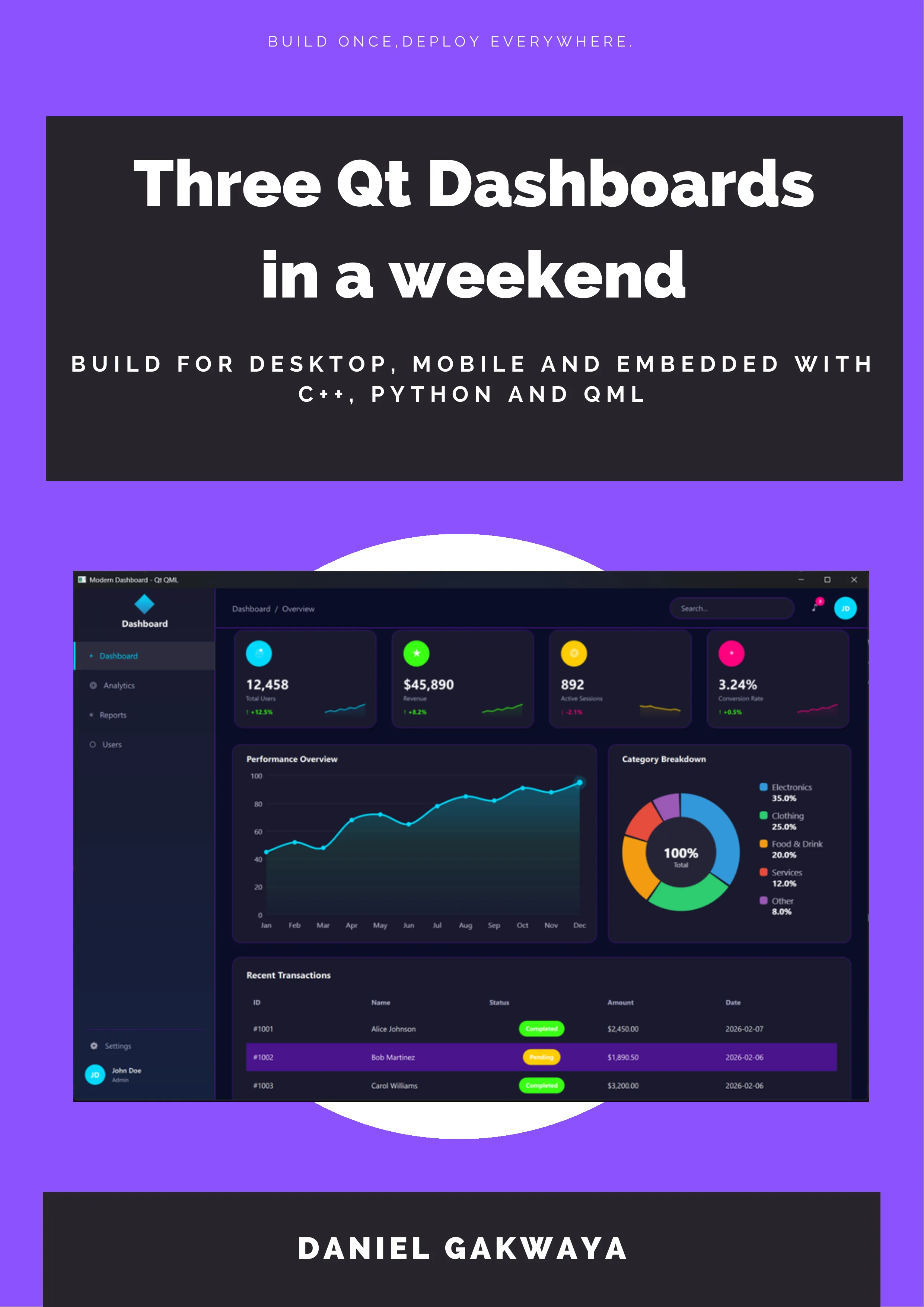
One Dashboard. Three Technologies.
The same professional dashboard built with Qt Widgets C++, PySide6, and QML. Run all three. Compare the code. Pick your favorite.
Qt Widgets + C++
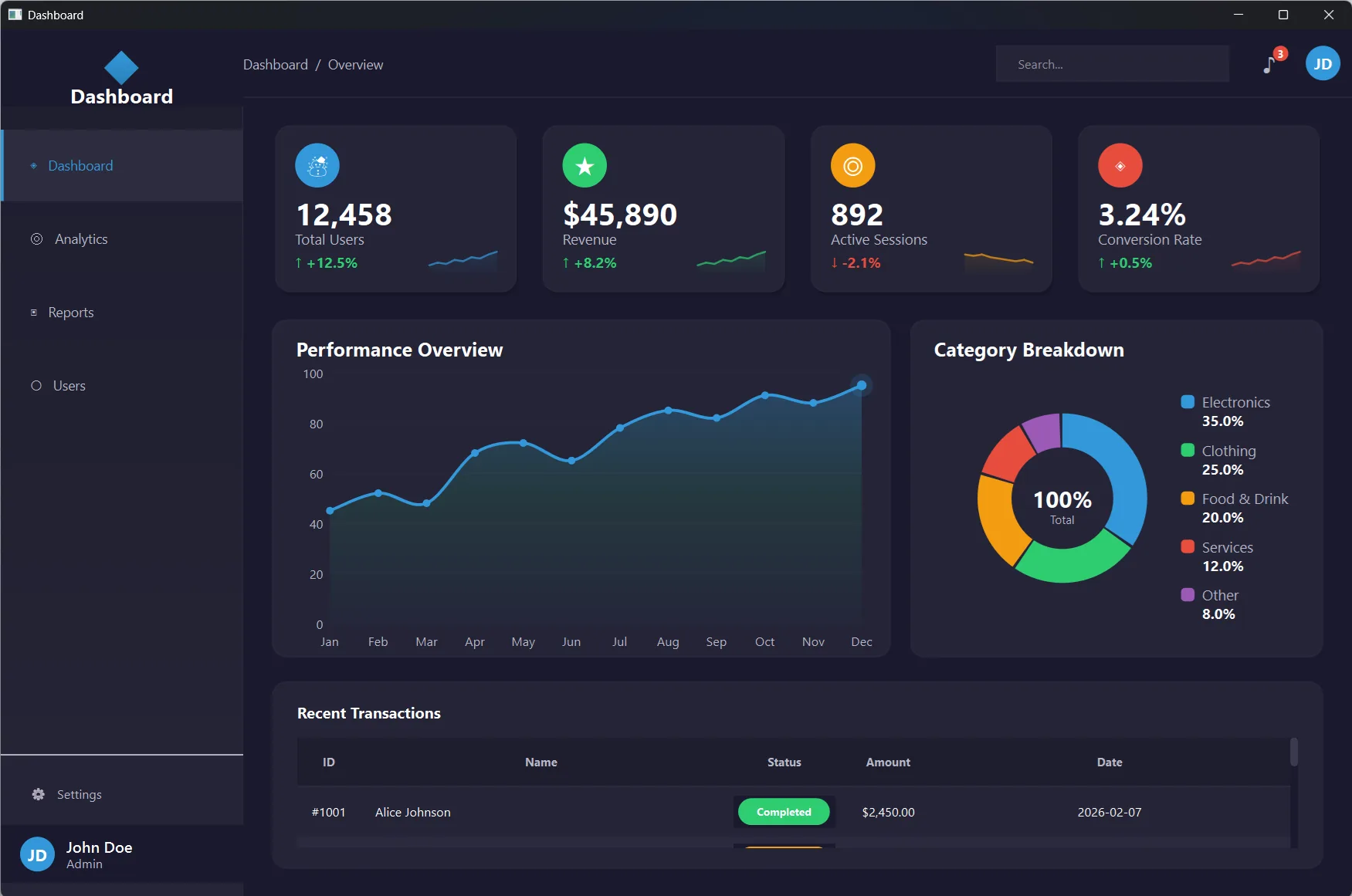
CMake, QPainter, and QSS stylesheets. Maximum control and native performance.
PySide6 + Python
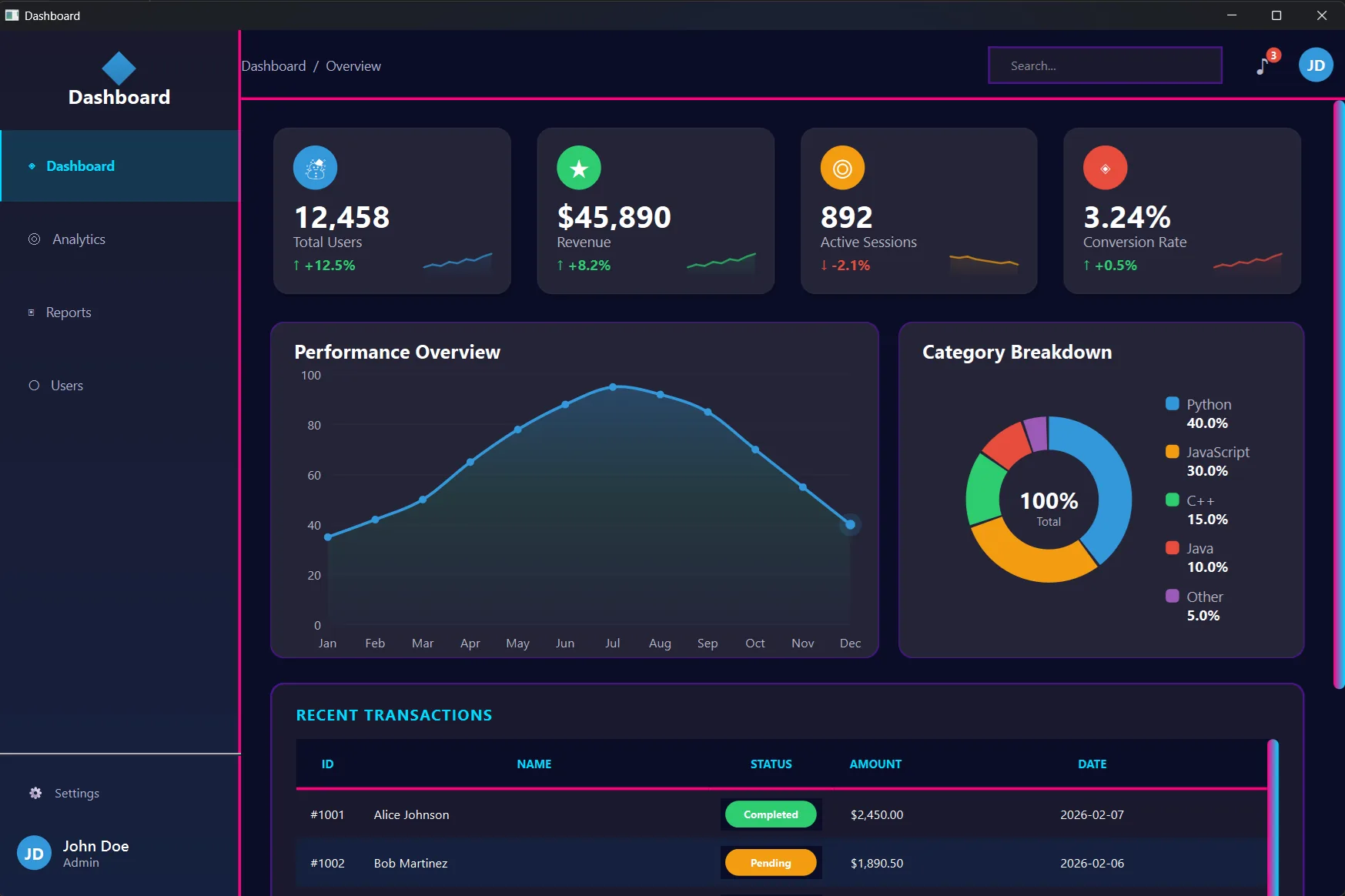
Zero compilation. pip install PySide6 and run. Same Qt API, instant feedback loop.
Qt Quick / QML
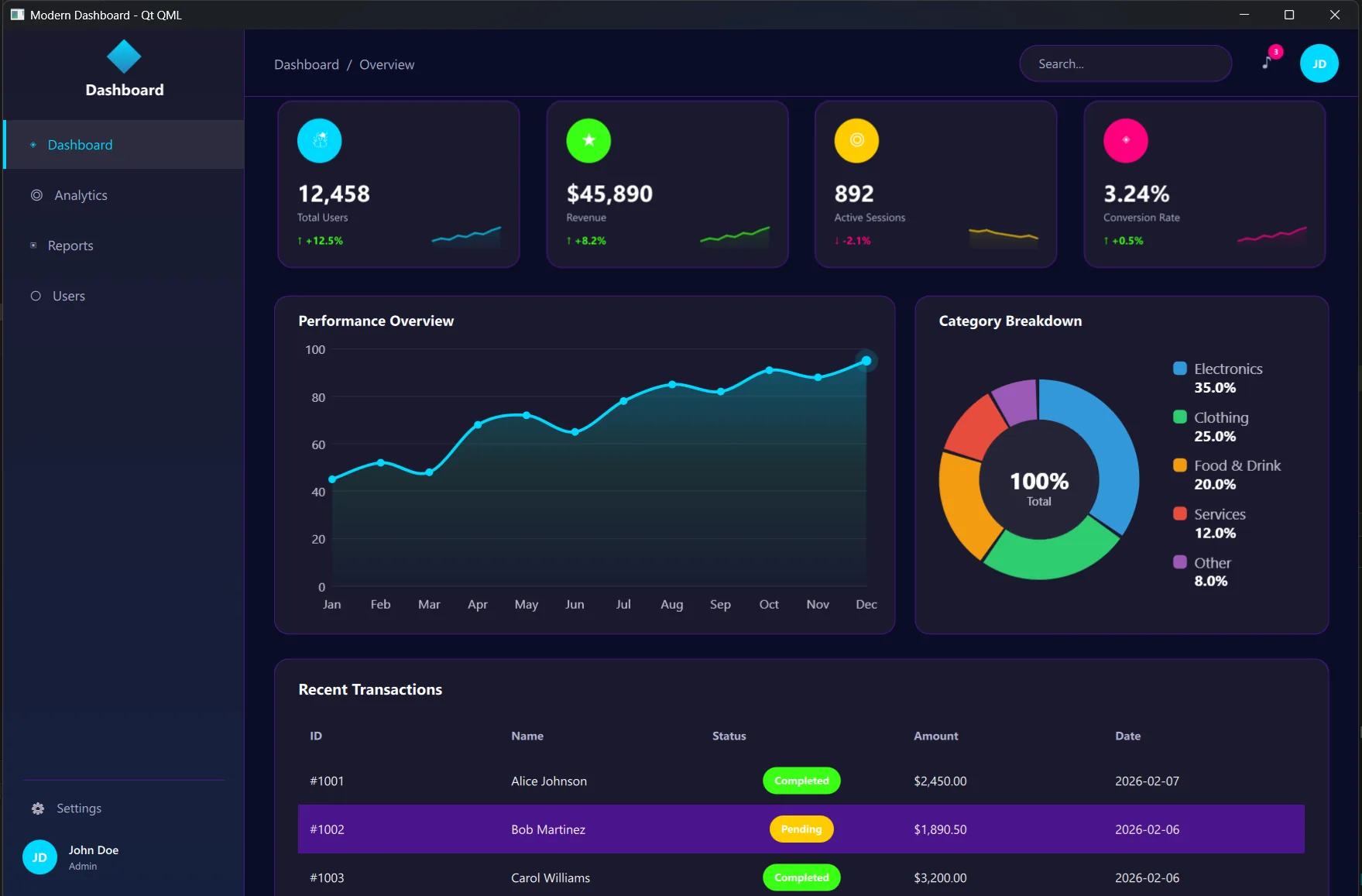
Declarative UI. Property bindings, Theme singletons, and C++ integration where needed.
Download All Three, Free: 63 Pages of Hands-On Qt Development
Not a reference manual. A weekend project. Open the book, open your IDE, and build along.
What’s Inside
- Introduction & Setup: what you’ll build, how the book works, installing Qt
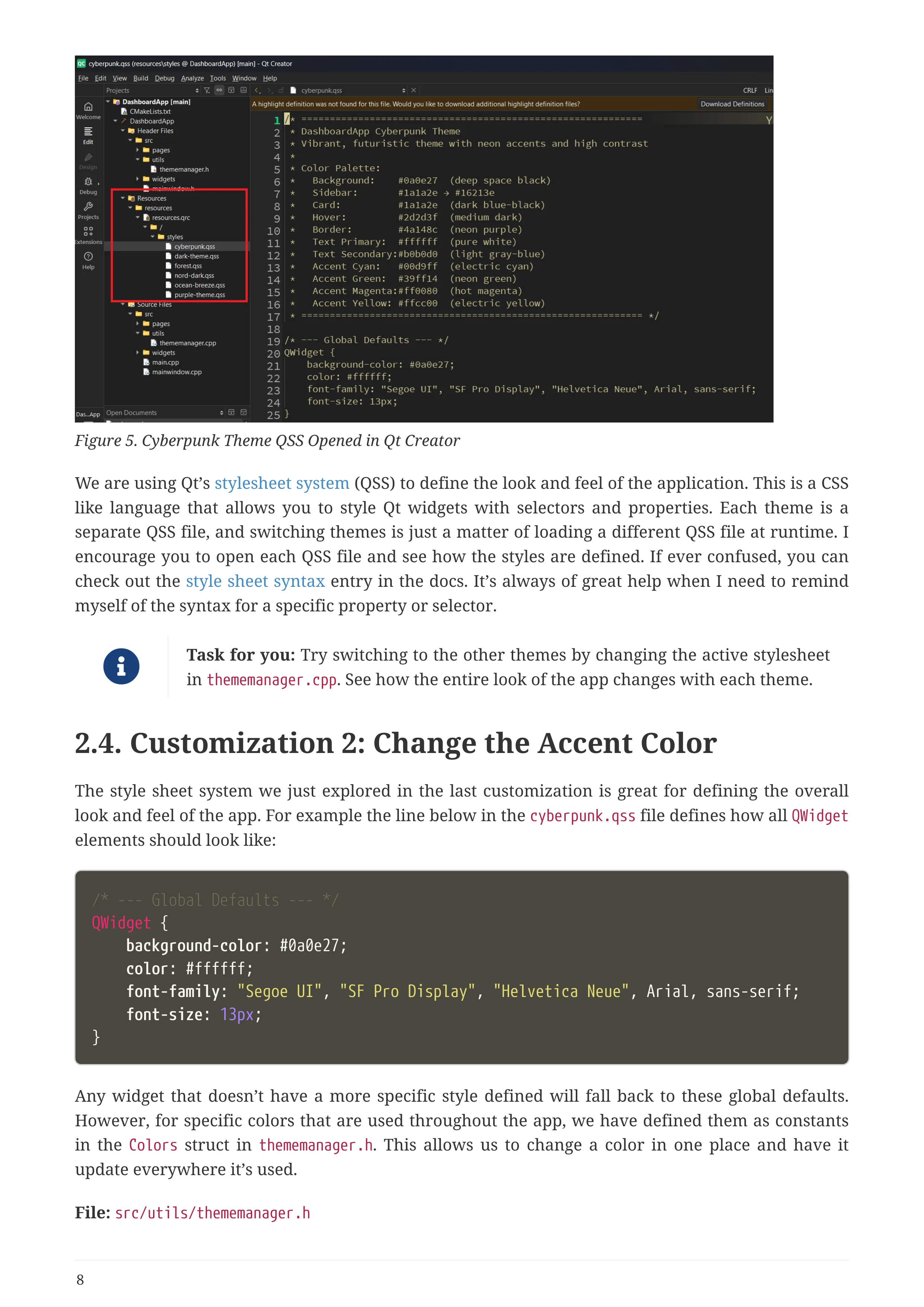
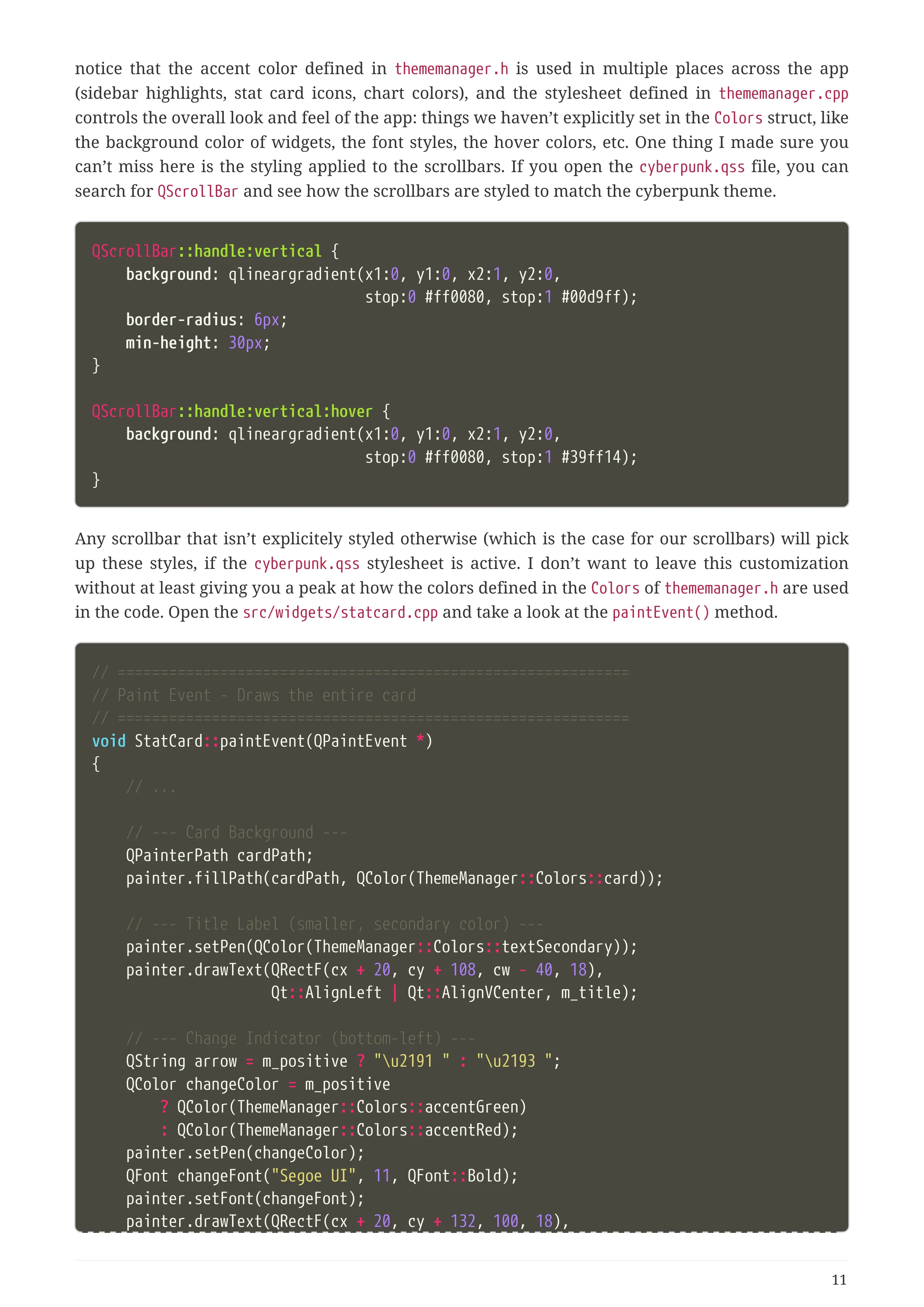
- Qt Widgets + C++: CMake, QPainter custom widgets, QSS themes, 5 guided customizations
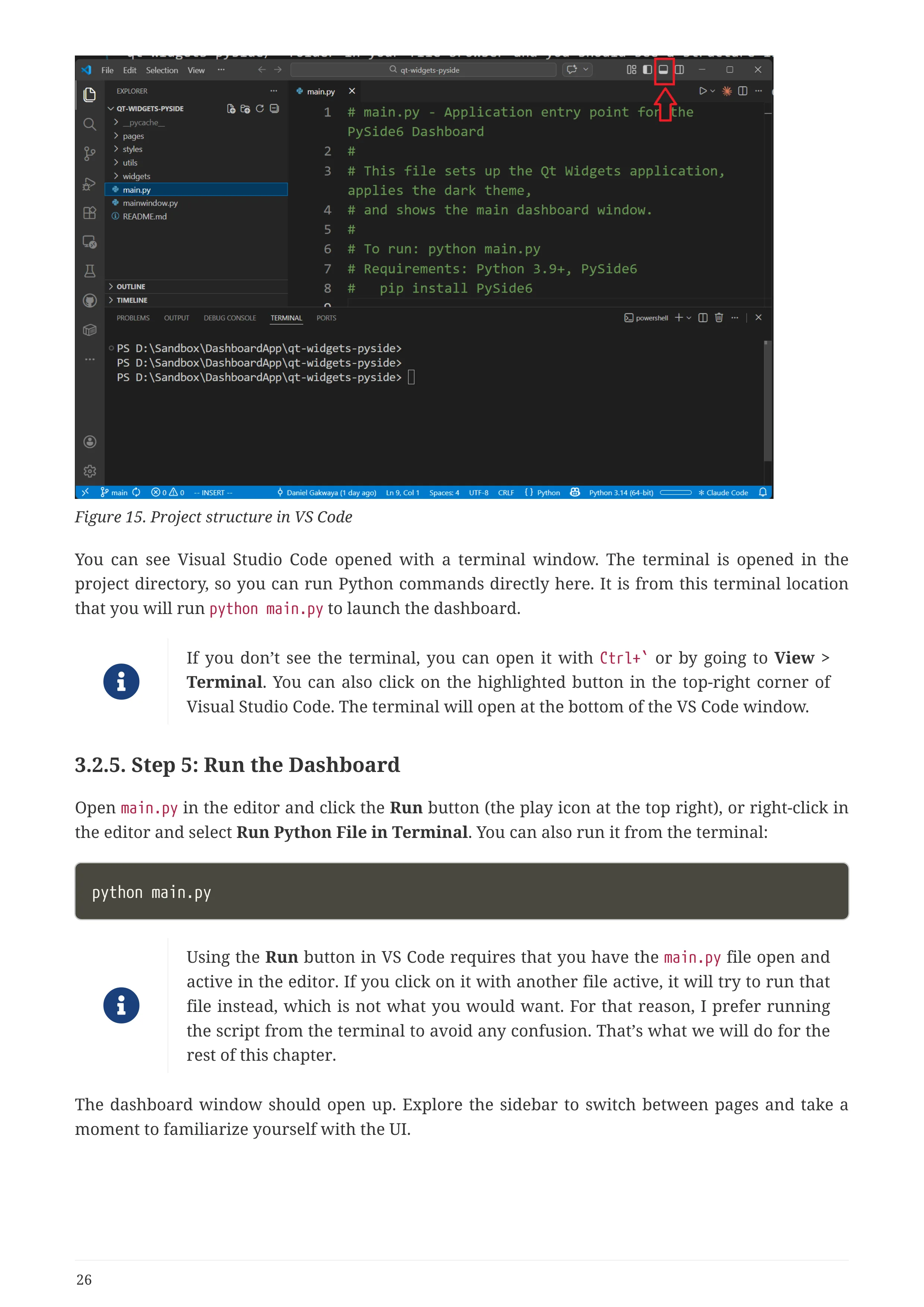
- Qt Widgets + PySide6: the same dashboard in Python. Zero compilation, save-and-run workflow
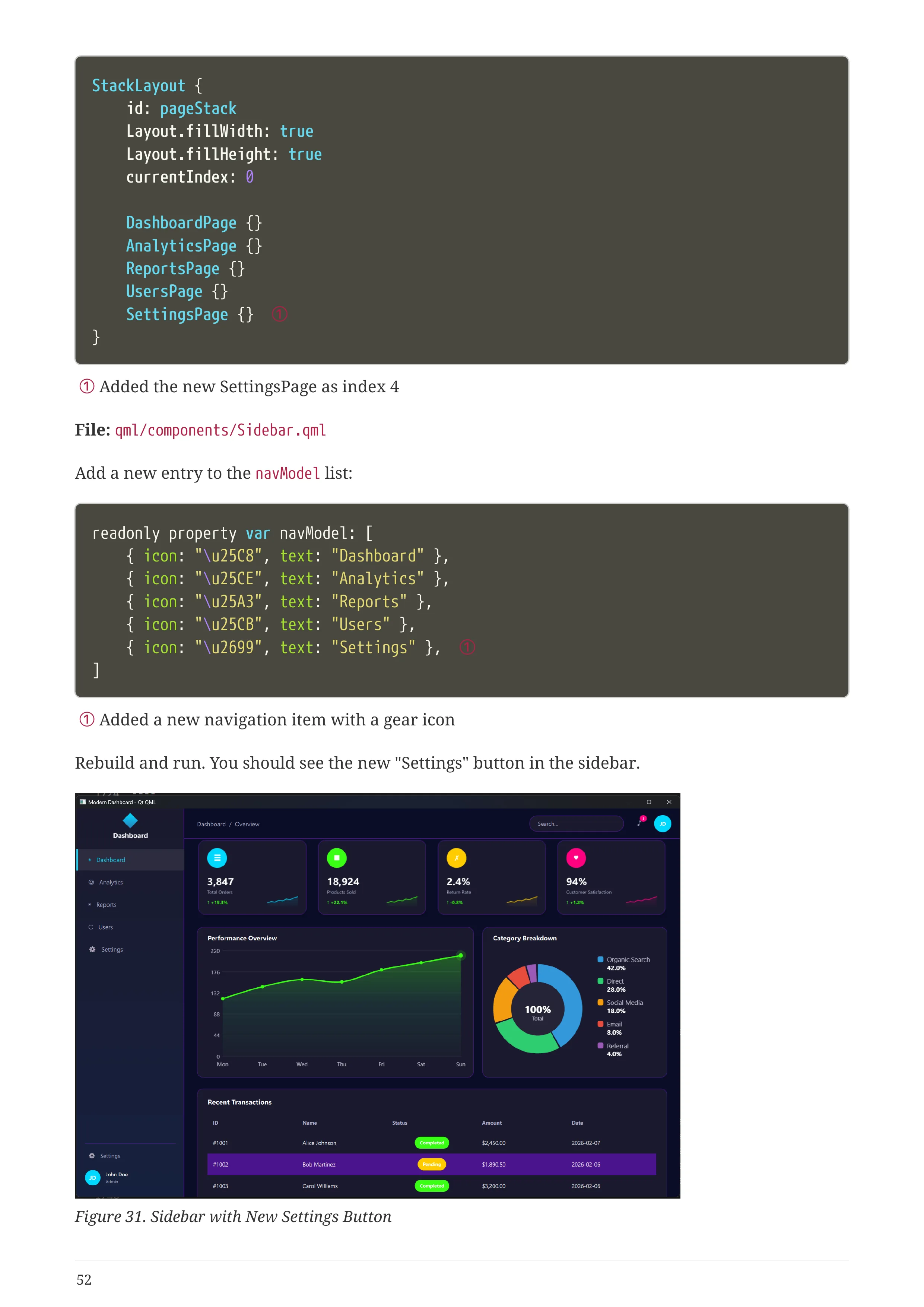
- Qt Quick / QML: declarative UI, property bindings, Theme.qml singleton
- Choosing Your Technology: side-by-side comparison with concrete data from your own experience
What You Get
- 63-Page Illustrated PDF: full-color screenshots, code listings, architecture diagrams
- 3 Complete Project Folders: C++, Python, and QML, ready to open in Qt Creator or VS Code
- 6 Professional Themes: Dark, Cyberpunk, Nord, Ocean Breeze, Forest, and Purple
- Reusable Components: stat cards, charts, sidebar, and data tables you can drop into any project
- Cross-Platform Ready: runs on Windows, macOS, and Linux out of the box
This Is NOT Your Grandfather’s Qt
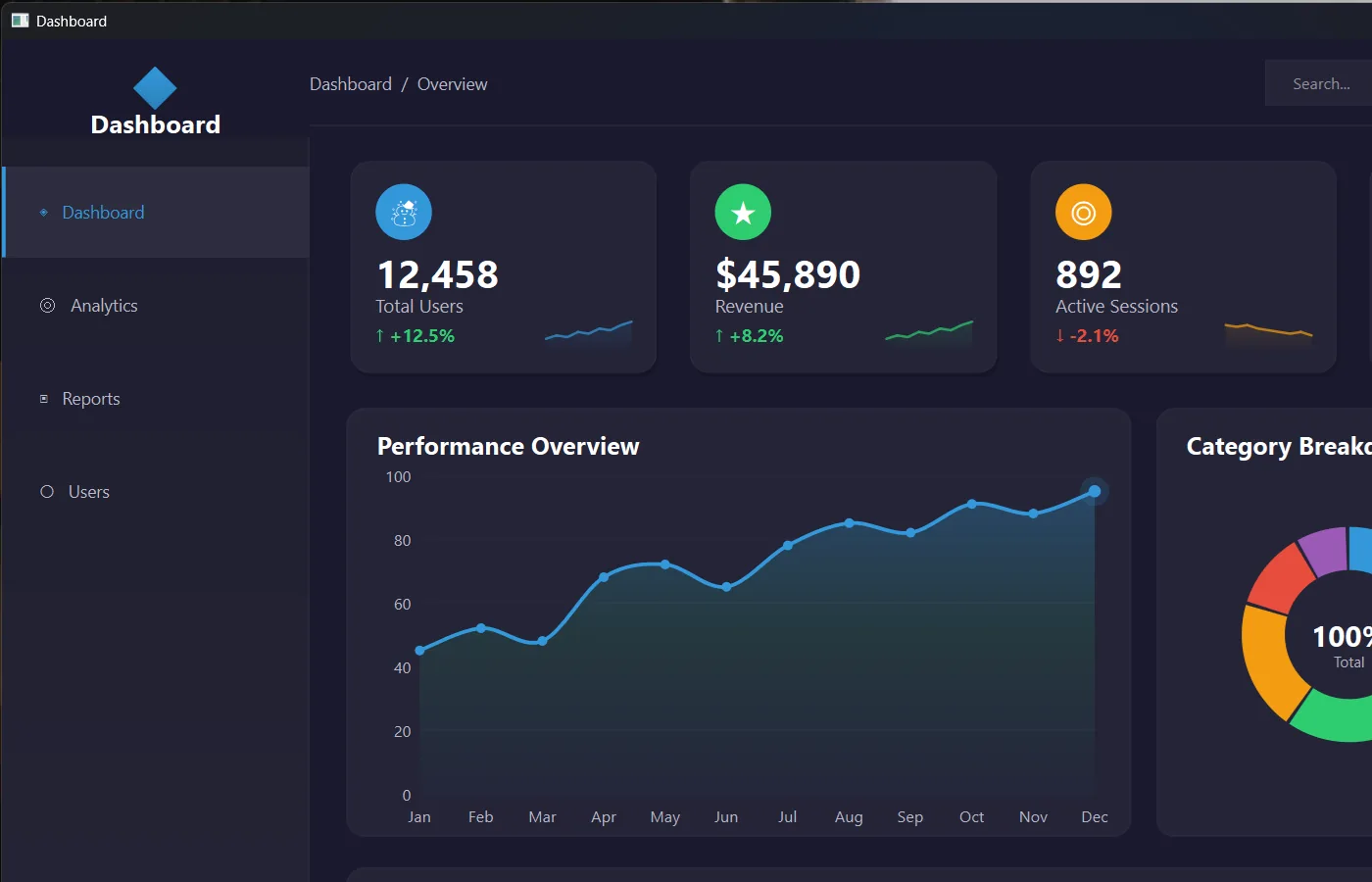
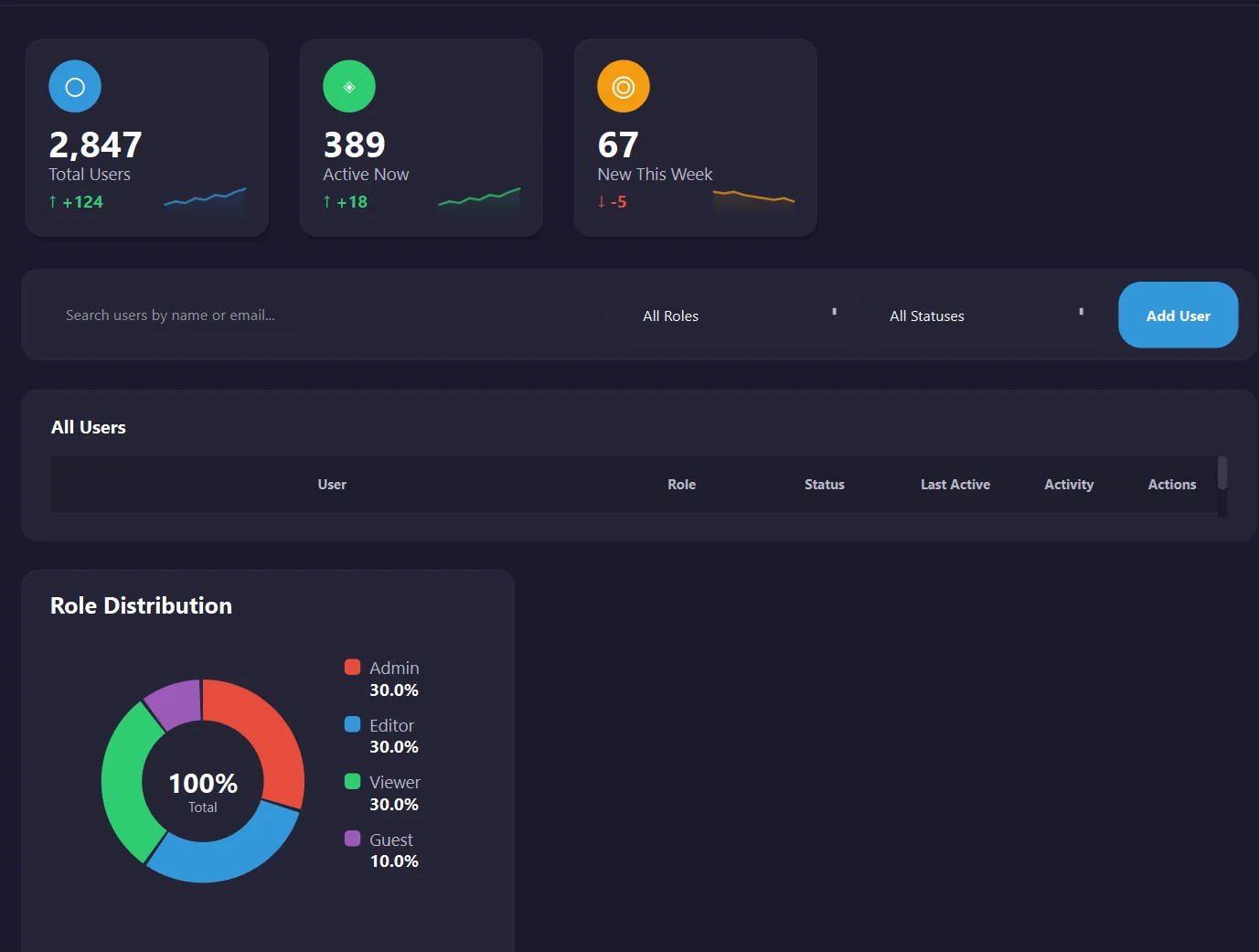
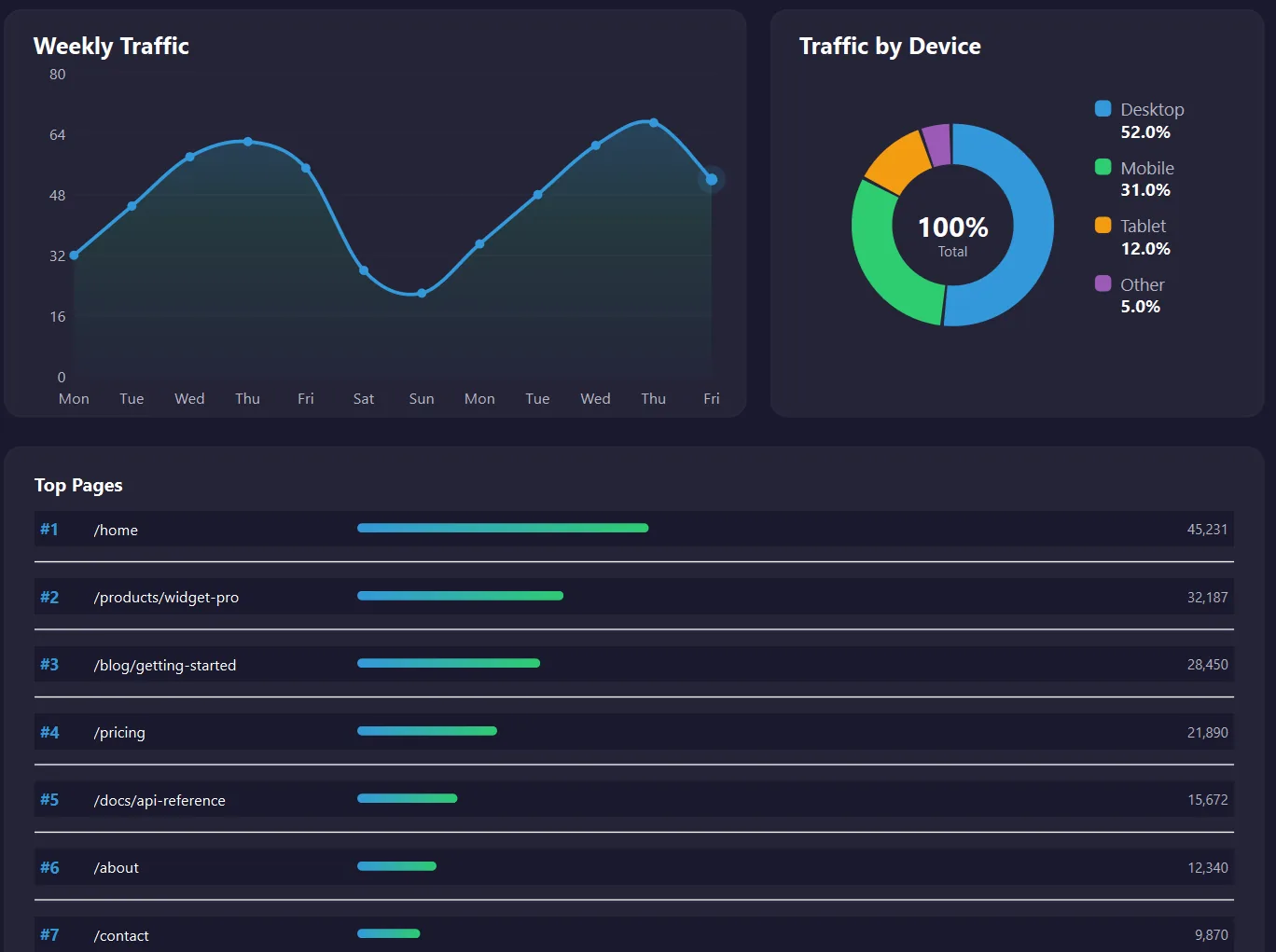
Modern dark themes. Custom-painted charts. Neon cyberpunk accents. Six complete stylesheets you can swap in 60 seconds.
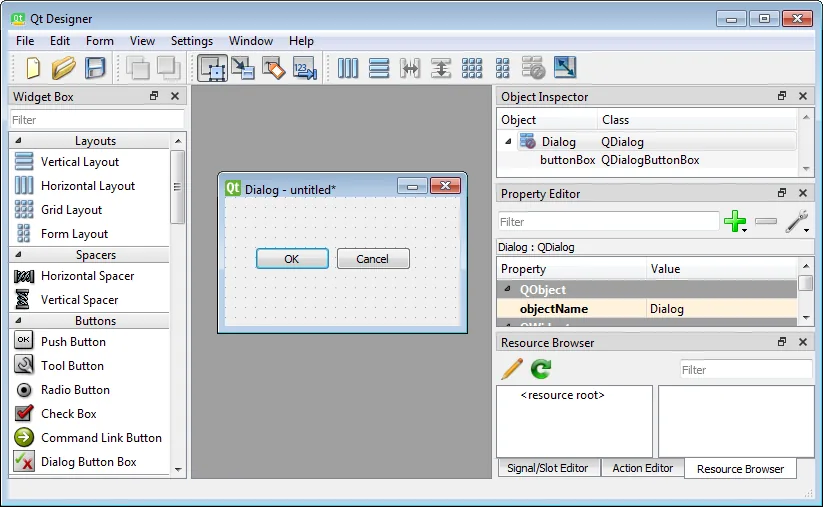
Before
After
Dashboard
Analytics
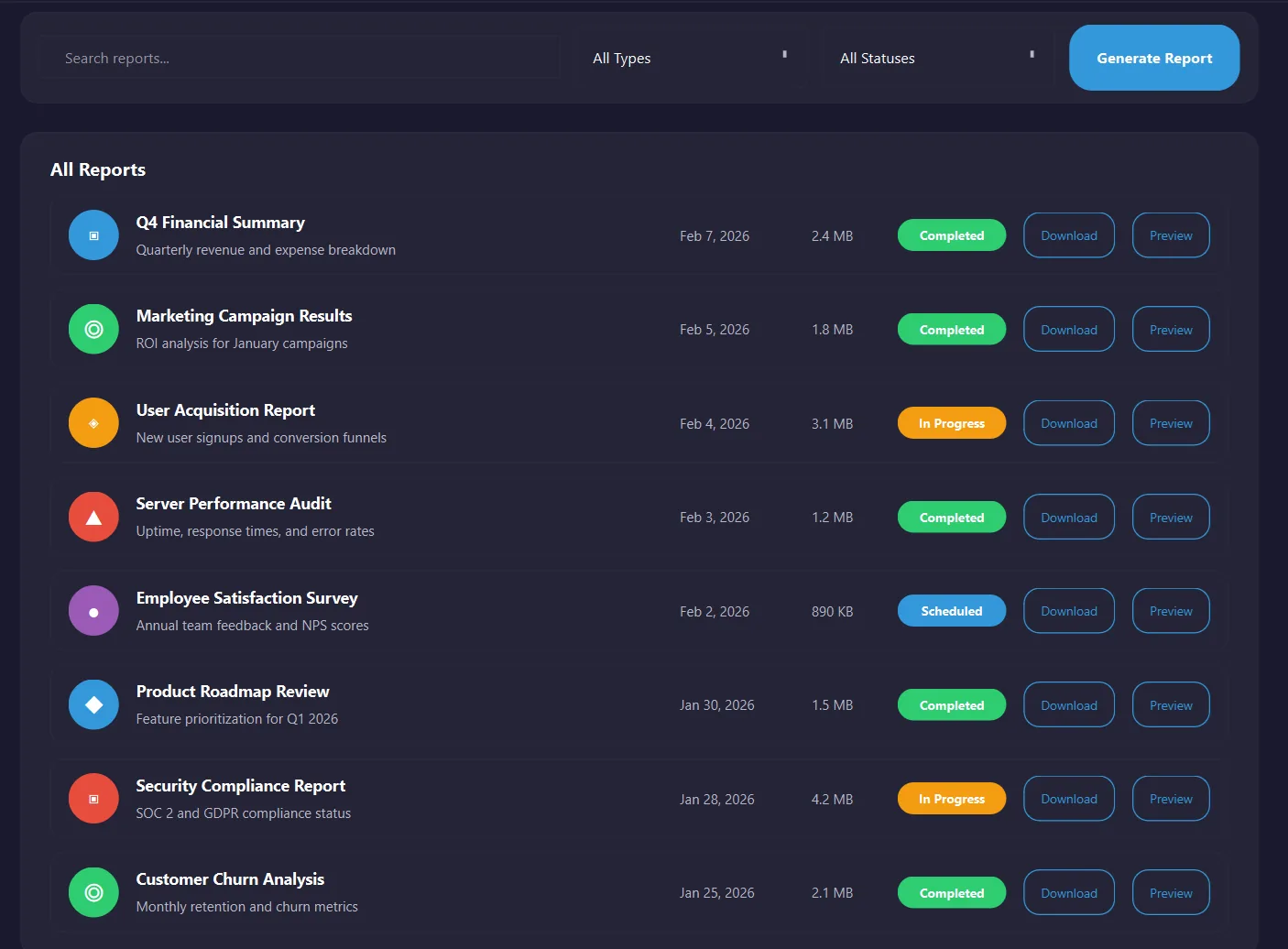
Reports
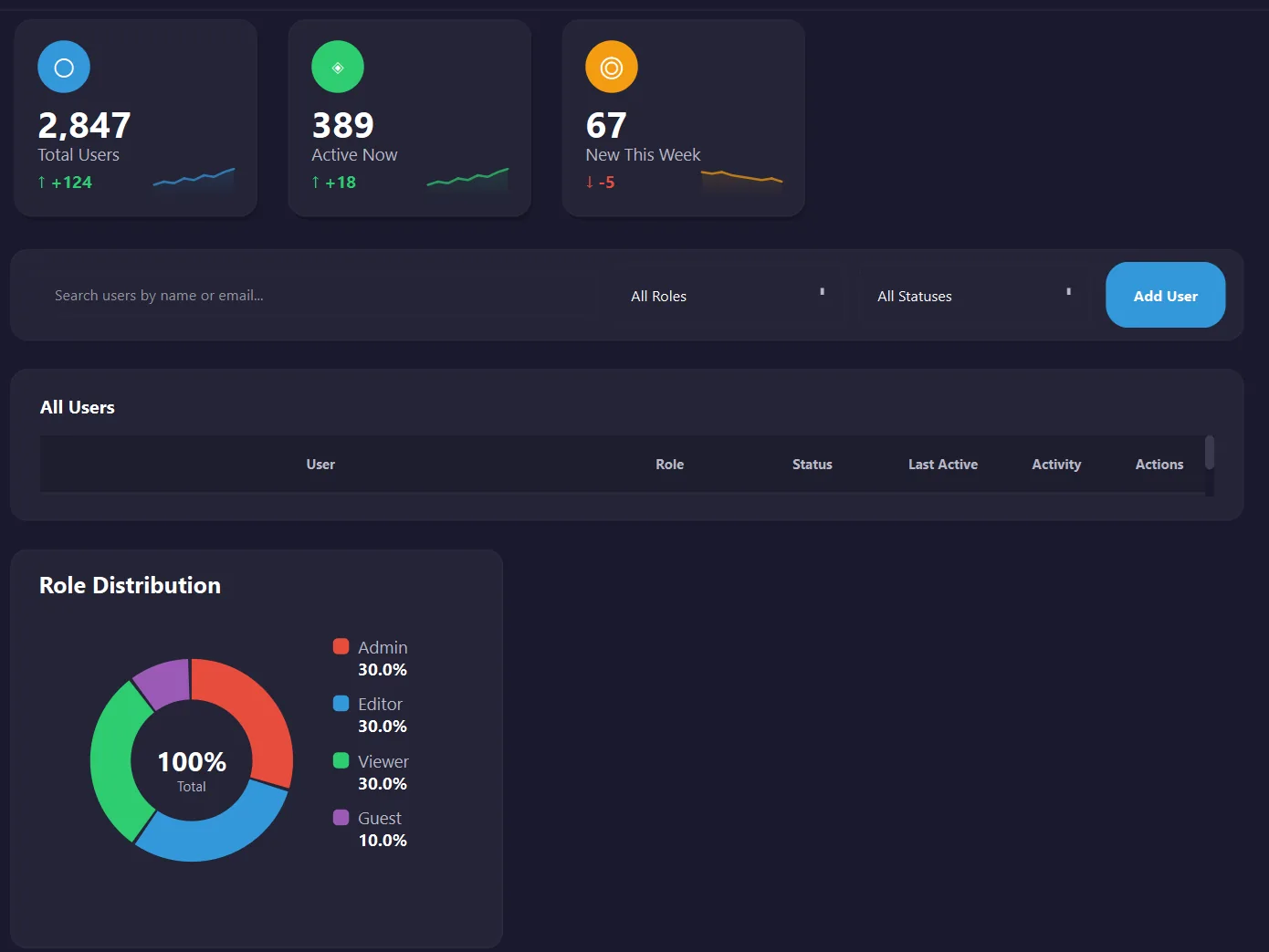
Users
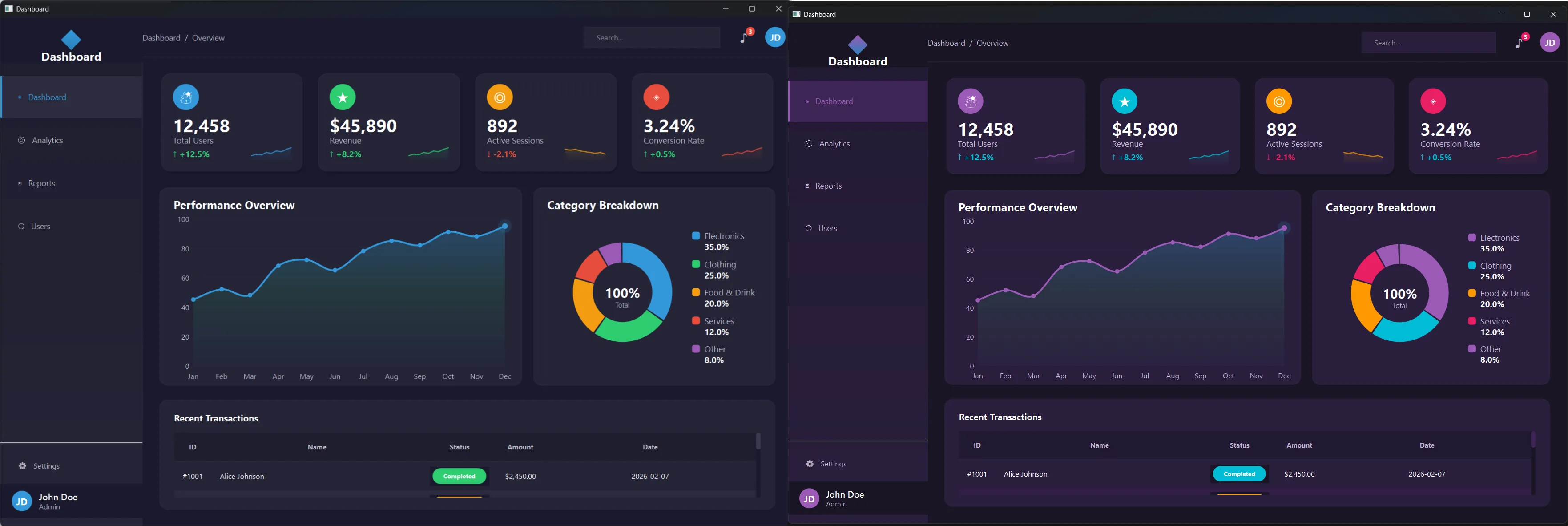
Change one line. Entire app transforms. 6 themes included.
Built for Your Technology Stack
Whether you code in C++, Python, or prefer declarative UI, this book has a chapter written specifically for you.
C++ Developers
You know C++ but desktop UI feels like a black box. This chapter gives you the complete Qt Widgets workflow: CMake builds, QPainter custom rendering, QSS stylesheets, and modern signal/slot connections.
- Qt Creator + CMake setup
- Custom-painted stat cards and charts
- Centralized color palette architecture
- Add a new page in under 5 minutes
Python Developers
You love Python but Tkinter makes you cry. PySide6 gives you the full Qt API without compilation. Same powerful widgets, instant save-and-run feedback.
pip install PySide6, that’s it- VS Code workflow, no Qt Creator needed
- Same QSS themes work unchanged
- ~40 lines to add a new page
QML / Declarative UI Fans
If you come from React, Flutter, or SwiftUI, QML will feel natural. Property bindings propagate automatically. Theme changes cascade without recompiling.
- Theme.qml singleton for all styling
- Named properties:
title: "Total Users" - C++ integration for performance-critical code
- ~30 lines to add a new page
Pick your tech, or try all three. Get the free book and all source code. C++, Python, and QML projects included. No credit card required.
What Developers Are Saying
From complete beginners to senior engineers.
“I was torn between C++ and Python for my Qt project. Building the same dashboard both ways made the decision obvious. Saved me weeks of false starts.”
Sarah Chen, Software Engineer
“Coming from Python, I thought C++ GUI development would be overwhelming. The side-by-side approach made it click instantly. Now I use Qt professionally.”
Mike Rodriguez, Freelance Developer
“The dashboard patterns I learned apply everywhere — built monitoring UIs for IoT devices and financial trading apps. Career game-changer.”
Priya Patel, Embedded Systems Engineer
Qt Powers These Industries
Your dashboard skills apply everywhere:
- Automotive
- Medical Devices
- IoT & Embedded
- Finance & Trading
- Industrial Automation
- Aerospace & Defense
After One Weekend, You’ll Have…
- Confidence to Choose: pick your Qt technology based on your own hands-on experience, not someone else’s blog post
- Qt Mental Model: CMake, QSS, color palettes, QPainter, signals/slots, and multi-page navigation, all internalized
- Clear Trade-offs: ~80 lines for a new page in C++, ~40 in Python, ~30 in QML. You’ll see it yourself
- A Real Project to Extend: replace the placeholder data with your own API. Build IoT dashboards, CRM tools, financial apps
- 6 Ready-Made Themes: Dark, Cyberpunk, Nord, Ocean Breeze, Forest, and Purple. Use them. Modify them. Create your own
- 15 Guided Customizations: 5 per technology. Swap themes, change data, add pages, step by step with real results
Stop Guessing. Start Building.
63 pages. 3 technologies. 6 themes. Complete source code. One weekend.
Join 4,000+ developers who stopped debating and started building.
Get your free copy now. Confirm your email and it lands in your inbox. Start this weekend.
No spam. Unsubscribe anytime.
What readers say
No reviews are published yet.