Qt6 QML For Beginners
Master Qt6 QML Development: From Zero to Production-Ready Apps
- EPUB
About this book
Use QML to build stunning cross-platform applications with the modern declarative UI framework.*
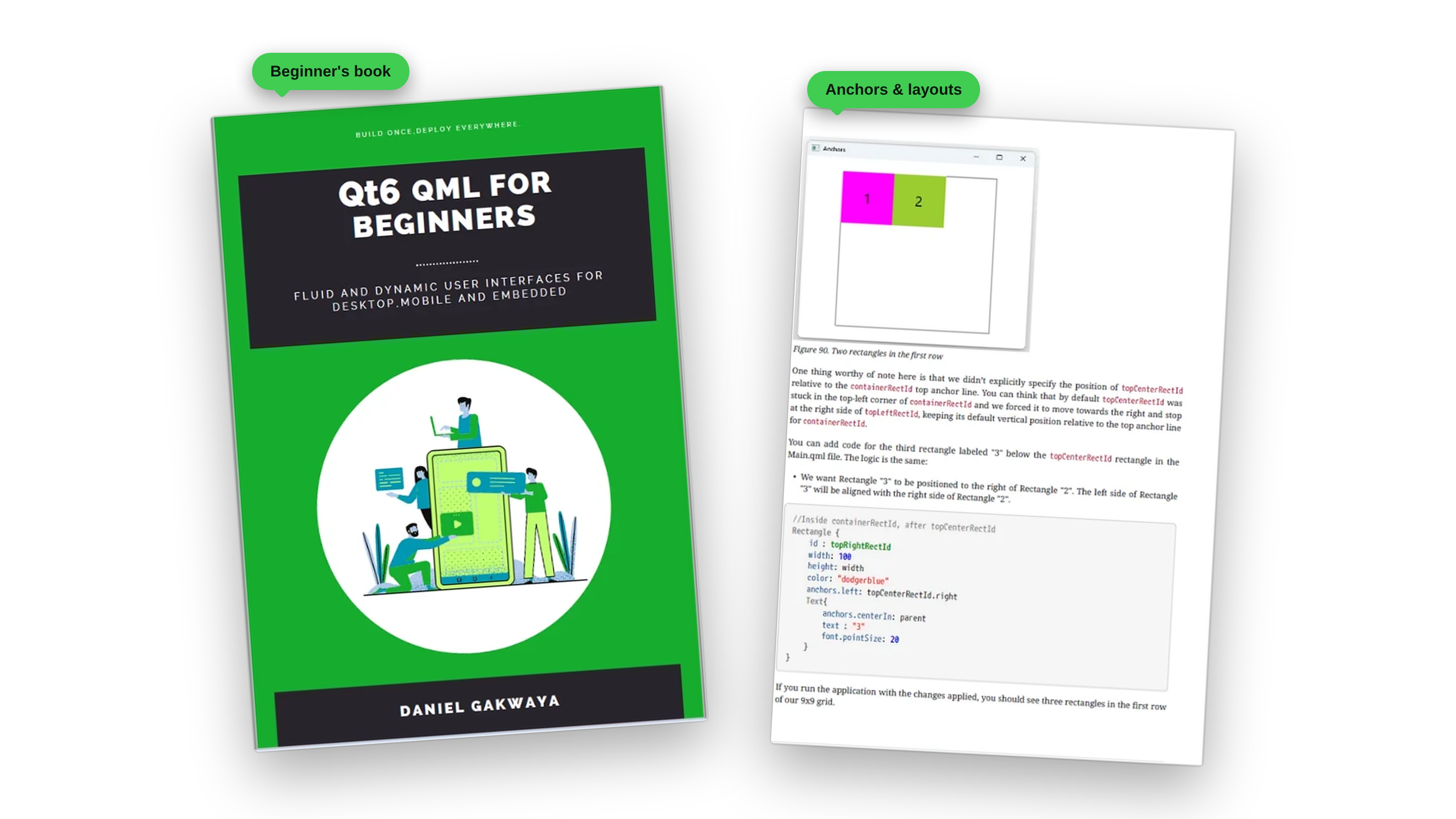
This book takes you from absolute beginner to building a complete, polished TodoList application, teaching you the foundations of QML, interactivity, layouts, and production patterns along the way. Instead of struggling with outdated frameworks, you’ll learn how to build fluid, responsive, and production-ready applications that run seamlessly across desktop, mobile, embedded, and IoT systems.
Why This Book?
- ✅ Hands-On From Day One: learn by building real applications, not reading dry theory
- ✅ Step-By-Step Progression: each chapter builds naturally on the last, with no big jumps
- ✅ Production-Ready Skills: from layouts to data storage, animations to networking
- ✅ Complete TodoList Project: watch your app evolve from basics to a polished final product
- ✅ Up-to-Date With Qt 6: covers modern best practices that work across desktop, mobile, and embedded
What You’ll Build
The book is built around one project: a complete TodoList application. You start it from scratch in Chapter 10 with a header, task management, and theming. Then you grow it chapter by chapter.
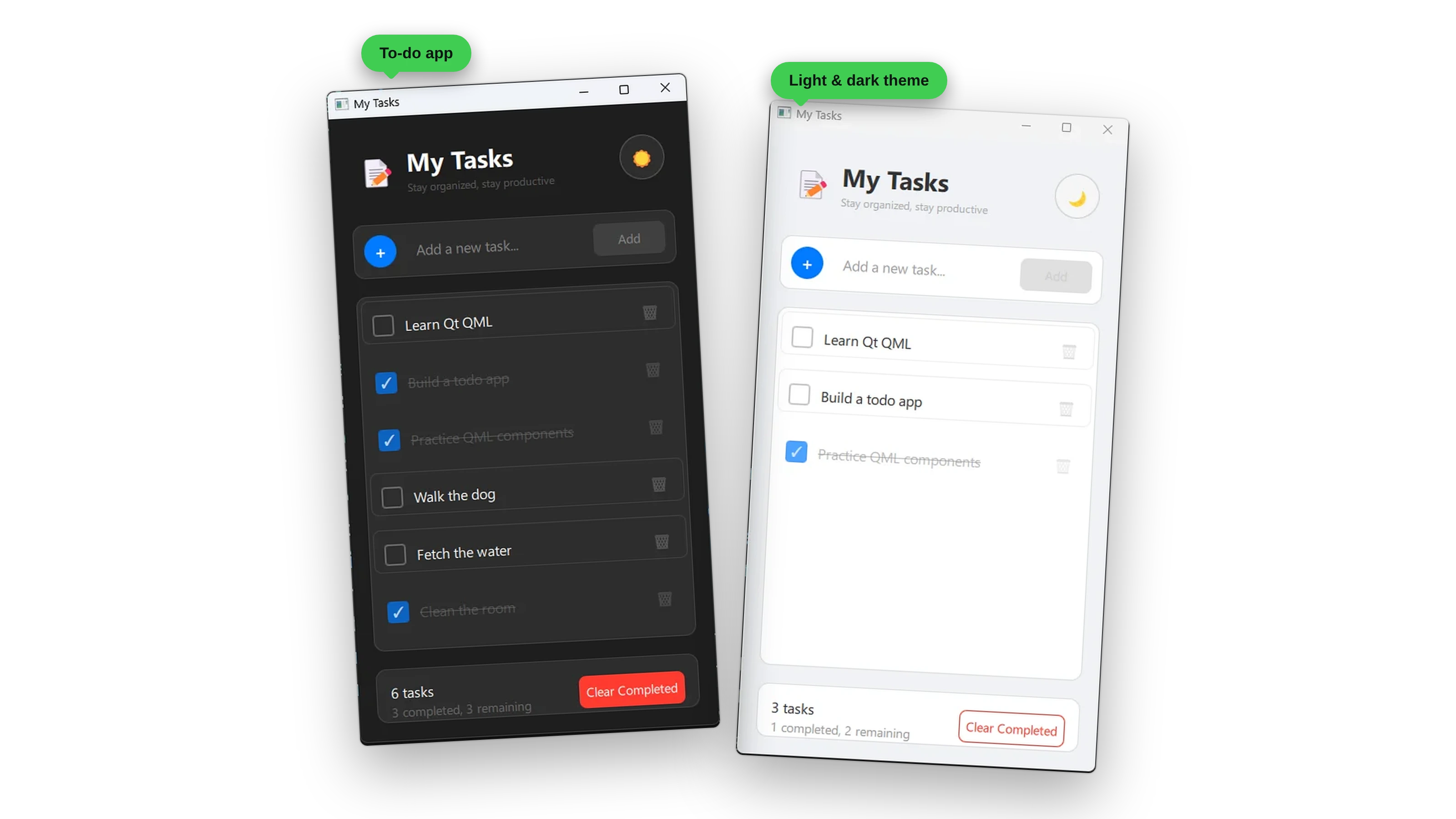
- Chapter 11: proper model-view architecture and data binding
- Chapter 12: smooth transitions and engaging visual feedback
- Chapter 13: persistent data storage across application sessions
- Chapter 14: cloud synchronization and network-based features
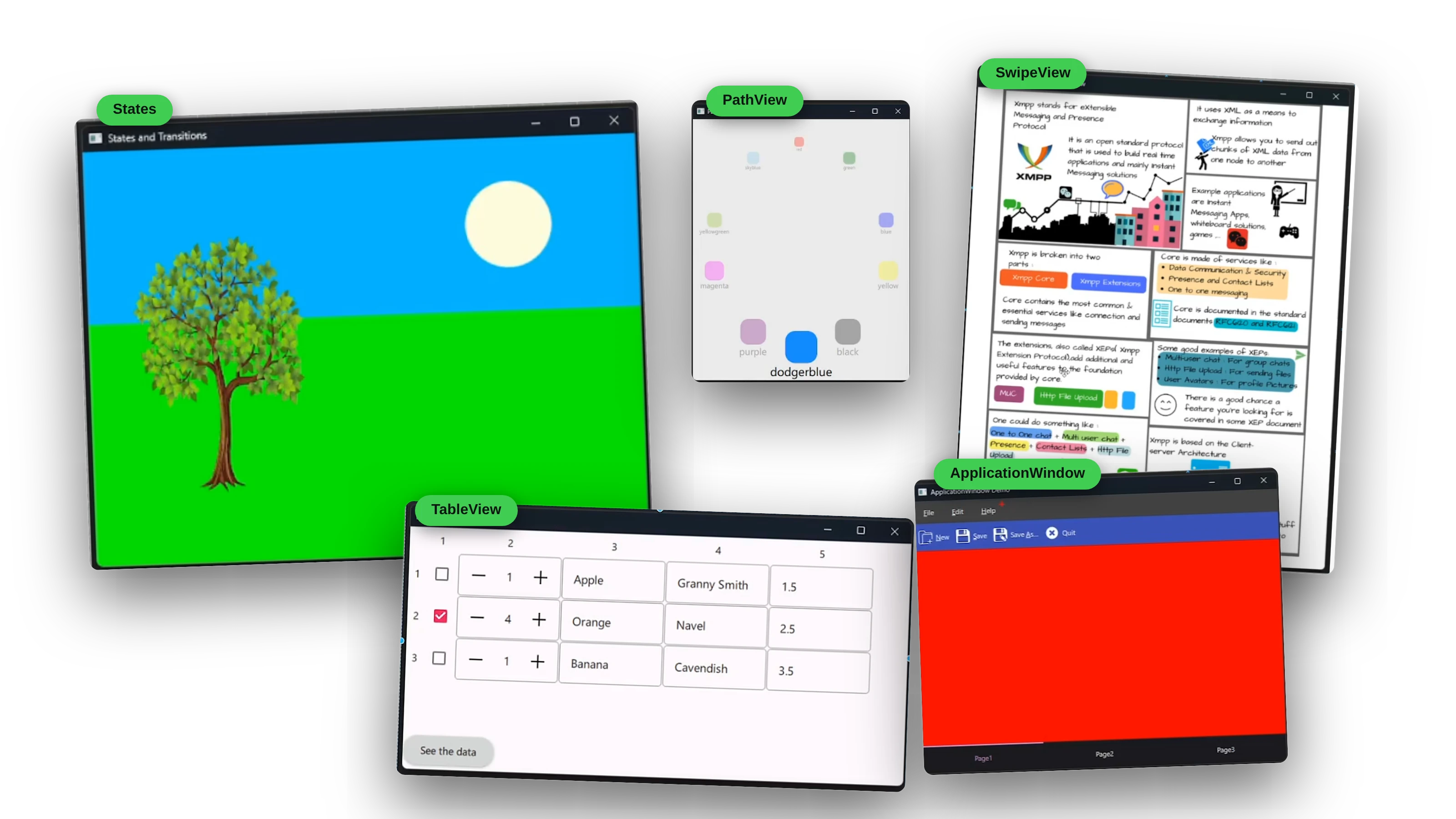
Along the way, you’ll also build dozens of smaller working examples that each teach one idea well, from states and transitions to PathView carousels, SwipeViews, model-backed TableViews, and a full ApplicationWindow with menus, a toolbar, and a tab bar.
What’s Inside
Content you’ll never get from anywhere else, in a structured, easy to digest manner. Mastering Qt shouldn’t be painful.
Part 1: The Foundations
Chapter 1: Introduction
The foundation chapter introducing Qt and the QML development environment.
- Key focus: Qt ecosystem overview, installation, and development tools setup
- Project: a demo application to verify your Qt installation and introduce basic concepts
Chapter 2: Dissecting QML Syntax
Core QML language fundamentals and syntax mastery.
- Key focus: QML syntax structure, data types, property binding, the Qt global object, and property handlers
- Project: hands-on syntax exploration with working examples for each concept
Chapter 3: Basic Elements
The essential QML visual elements and how to create your own components.
- Key focus: Rectangle, Item, Text, Image elements, and custom component development
- Project: building reusable custom components from basic QML elements
Part 2: Making Things Interactive
Chapter 4: Signals and Slots
The complete signal and slot communication system in QML.
- Key focus: signal handlers, parameters, property change handlers, Connections, custom signals, and method connections
- Project: interactive examples demonstrating all signal and slot patterns and communication methods
Chapter 5: User Input
User interaction and input handling patterns.
- Key focus: mouse, keyboard, and touch input handling in QML applications
- Project: an interactive user interface with comprehensive input response
Chapter 6: JavaScript
JavaScript integration and scripting in QML.
- Key focus: using JavaScript within QML, functions, and logic implementation
- Project: dynamic QML applications with JavaScript-powered functionality
Part 3: Layouts, Controls, and Dialogs
Chapter 7: Positioning
Layout and positioning systems in QML.
- Key focus: anchoring, positioning, layout managers, and responsive design
- Project: adaptive layouts that work across different screen sizes
Chapter 8: Qt Quick Controls
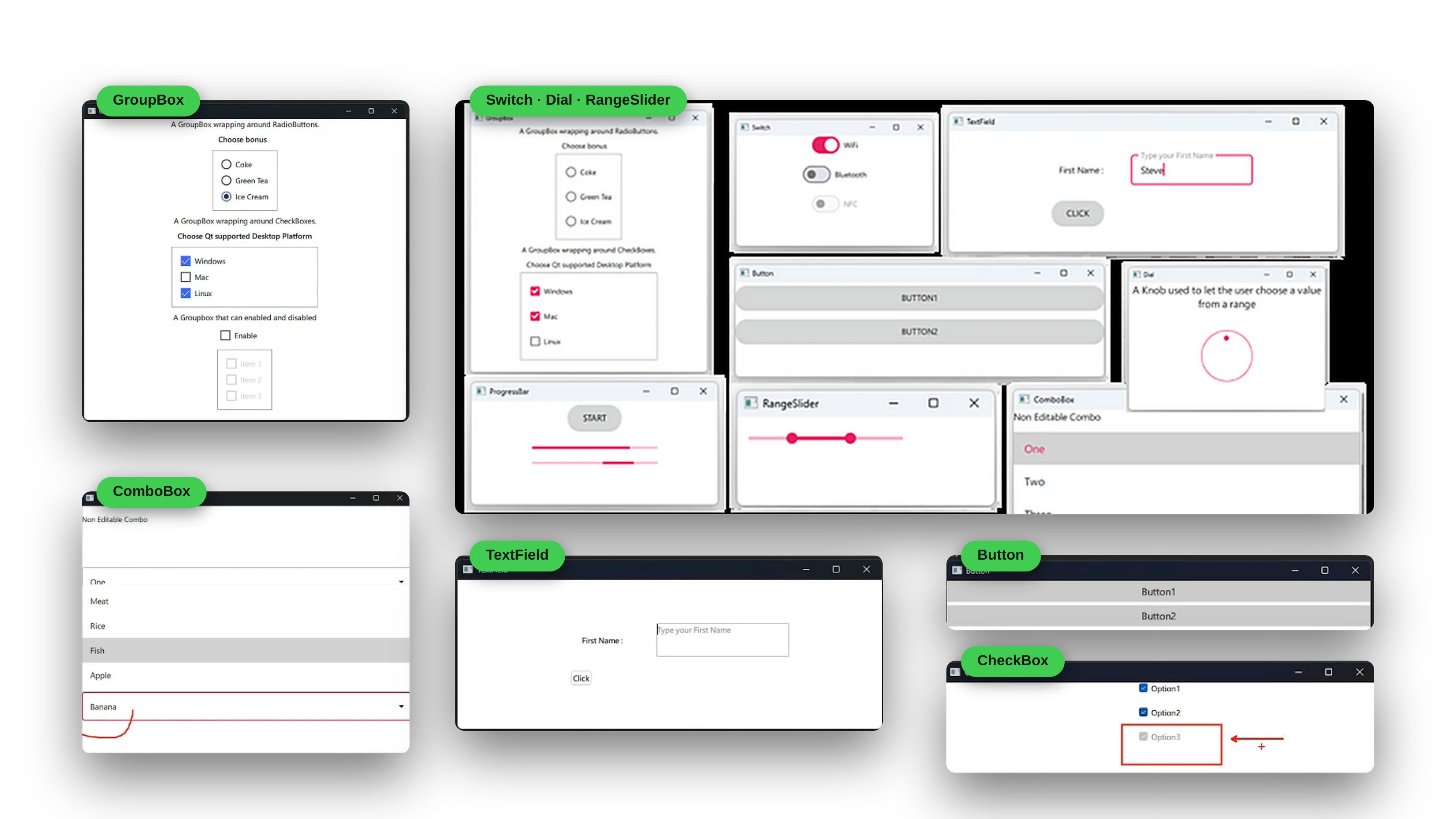
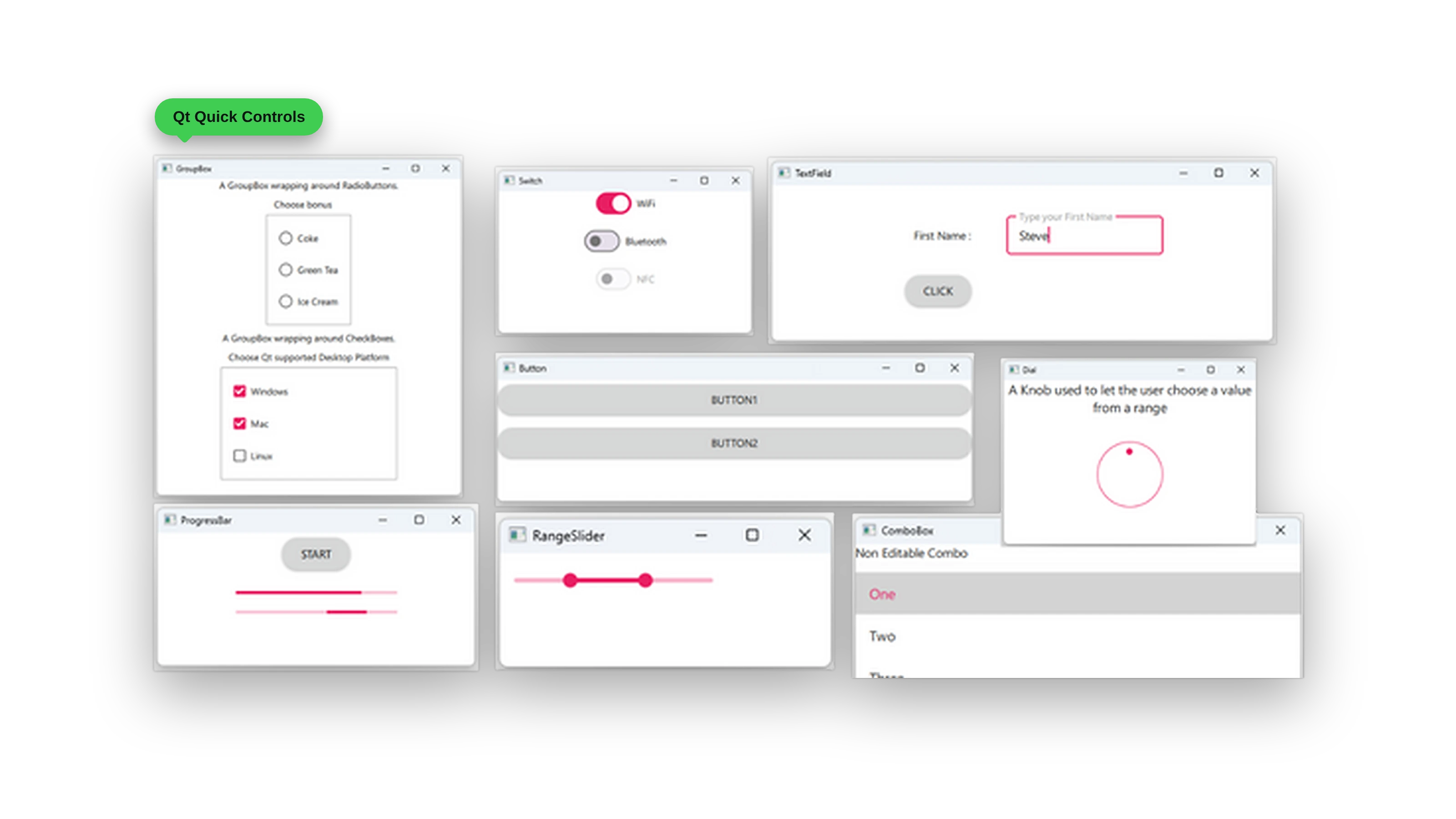
Modern UI controls and styling. This chapter walks through the controls one at a time, from buttons, text fields, and check boxes to switches, dials, range sliders, combo boxes, group boxes, and progress bars.
- Key focus: Qt Quick Controls 2, theming, styling, and platform integration
- Project: a professional-looking application with native-style controls
Here they all are side by side, styled with a single theme:
Chapter 9: Dialogs
Dialog systems and modal interactions.
- Key focus: standard dialogs, custom dialogs, and modal workflows
- Project: a complete dialog-driven application workflow
Part 4: A Real Application
Chapter 10: TodoList App
Comprehensive hands-on application development, and the heart of the book.
- Key focus: building a complete TodoList application from scratch with a header, task management, and theming
- Project: a full-featured TodoList app demonstrating real-world QML development patterns
Chapter 11: Model View Architecture
Data presentation and management patterns.
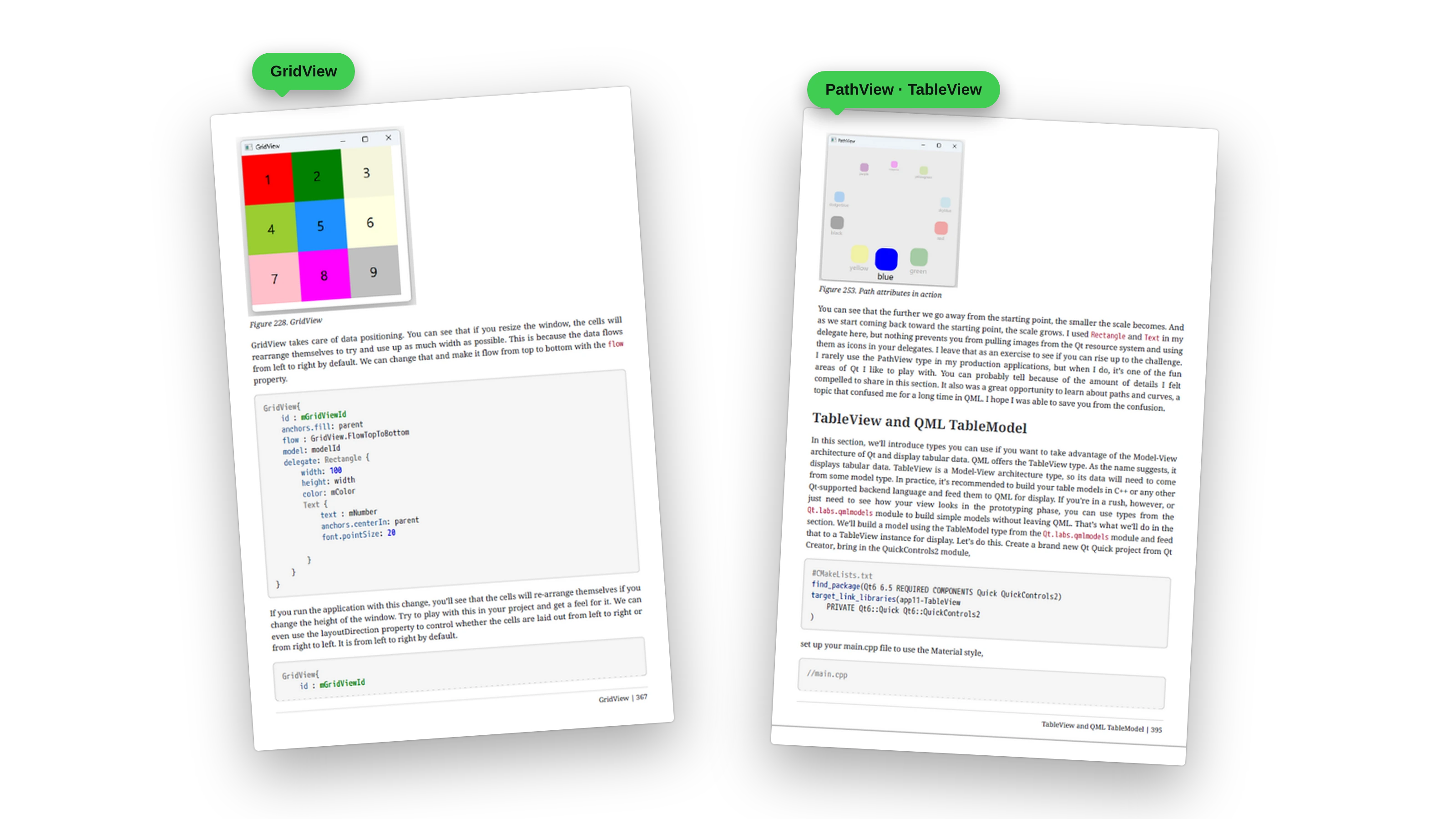
- Key focus: ListView, ListModel, dynamic models, GridView, TableView, XML models, and PathView integration
- Project: the TodoList app enhanced with proper model-view architecture and data binding
Chapter 12: Transforms, Transitions, and Animations
Visual effects and motion design.
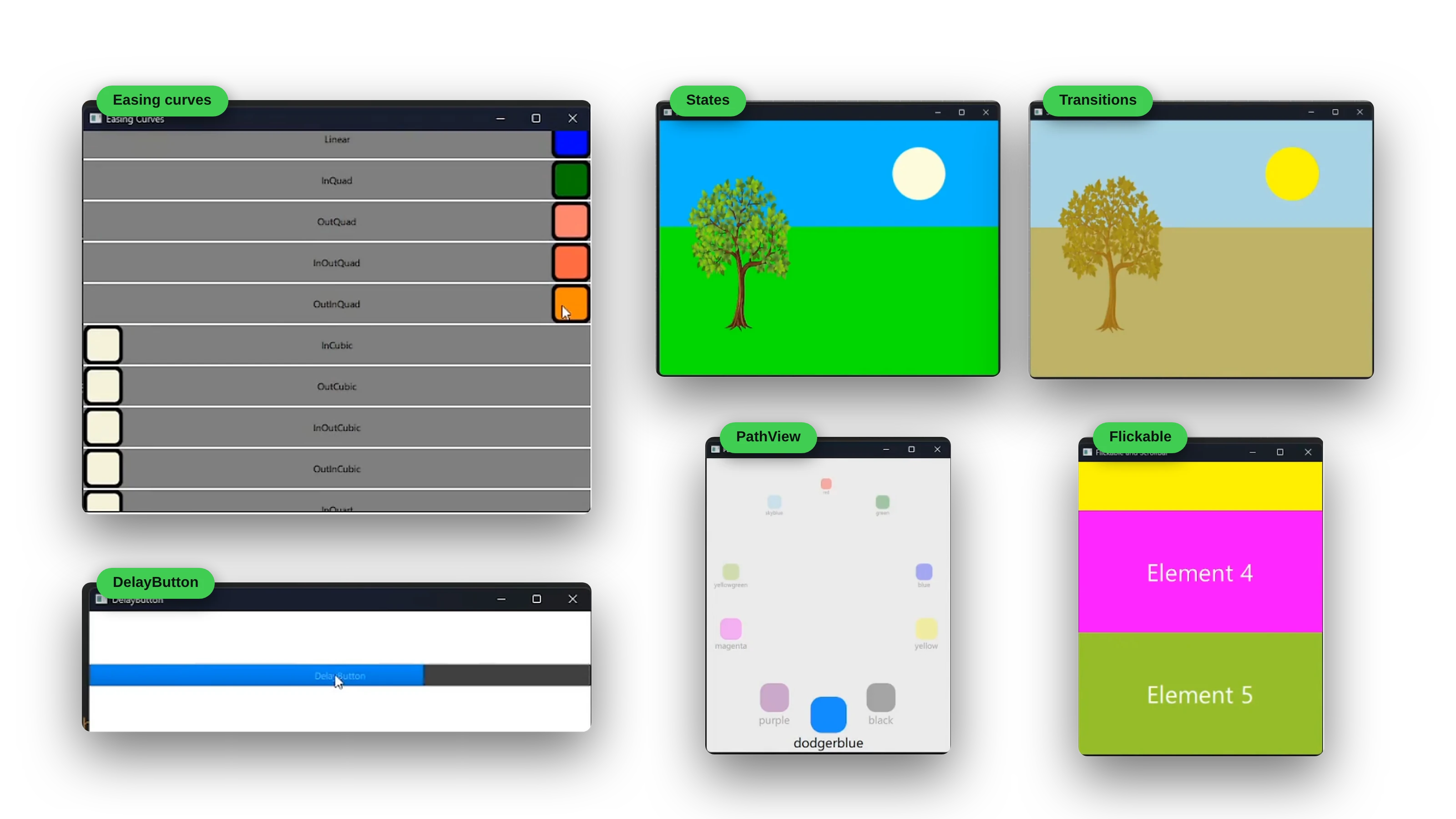
- Key focus: transforms, property animations, transitions, easing curves, grouped animations, and advanced animation techniques
- Project: an animated TodoList with smooth transitions and engaging visual feedback
Chapter 13: Storage
Data persistence and local storage.
- Key focus: local storage solutions and data persistence patterns
- Project: a TodoList with persistent data storage across application sessions
Chapter 14: Networking
Network communication and API integration.
- Key focus: HTTP requests, API integration, and network error handling
- Project: a TodoList with cloud synchronization and network-based features
A Look Inside the Book
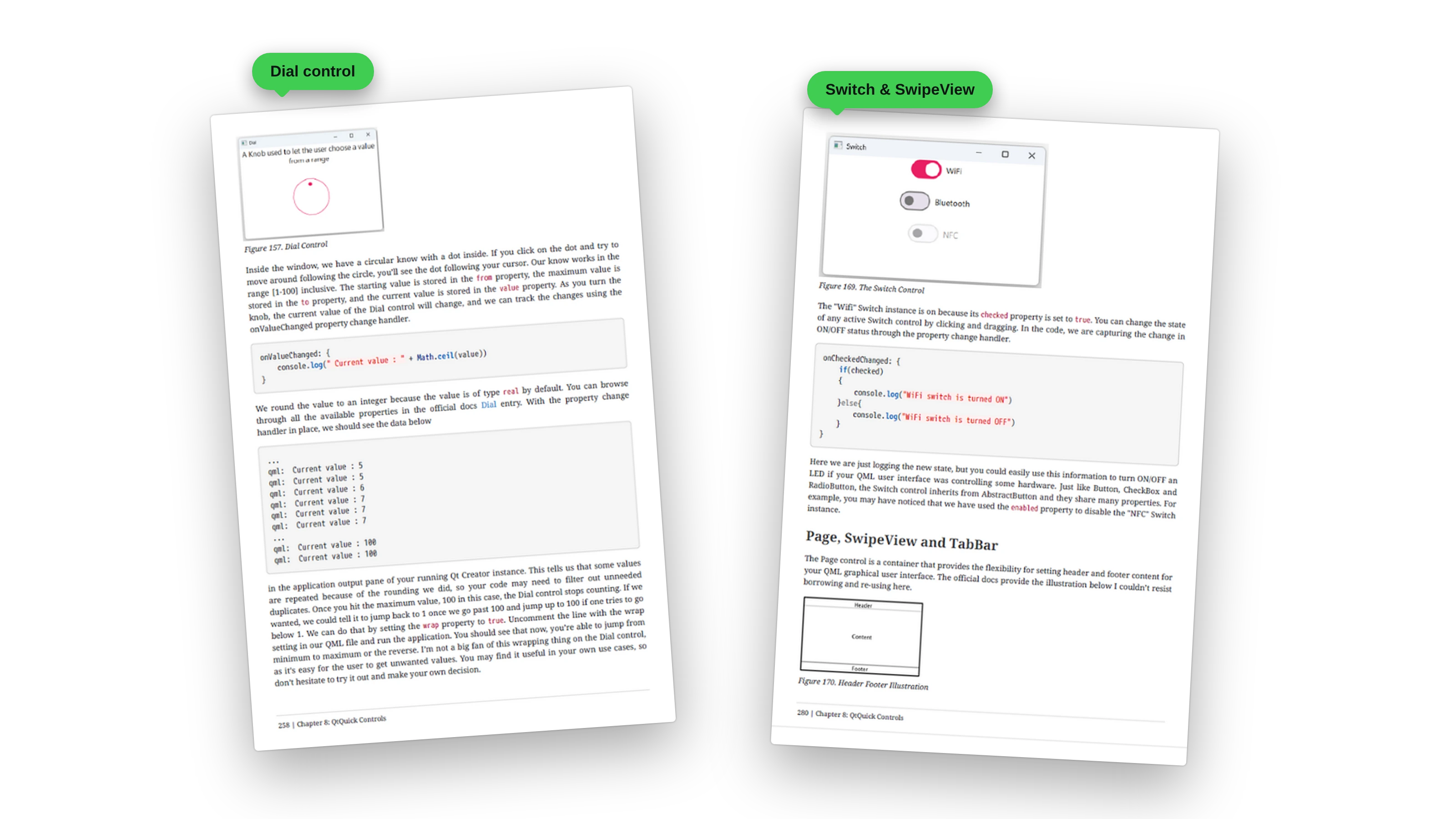
Every control and concept comes with a screenshot of the result, the properties that matter, the code, and the output you should see. Here, the Dial’s from, to, and value properties are explained alongside the console output as you turn the knob, and the Switch control is shown with its change handler.
Written By Someone Who Understands The Struggle
“When I first learned QML, I had to scrape together tutorials, documentation, and forum posts. It was messy, overwhelming, and frustrating. I wished for a single resource that explained everything clearly.”
After 10+ years of professional Qt development and teaching thousands of students worldwide, Daniel Gakwaya has written the book he wished he had starting out:
- A clear path from beginner to professional
- Hands-on projects that grow with your skills
- Guidance that cuts through scattered docs and tutorials
This book is written for anyone who wants to master modern cross-platform UI development with Qt. Beginners with no prior Qt or QML experience will find a clear path into the framework. Mobile and desktop developers who want to deliver fluid, modern interfaces across platforms will discover a more efficient workflow. Embedded engineers will learn how to build professional HMIs with QML. And students or researchers will gain practical experience that goes far beyond theoretical knowledge.
📦 What You’ll Get
- 📄 PDF + EPUB Formats: read anywhere, anytime
- 🔄 Lifetime Updates: all new chapters as they’re released
- 💻 Full Source Code: for every project in the book
- 🌐 Exclusive Developer Community: support, networking, and direct feedback
Your complete learning journey: by the time you finish, you’ll not only understand QML, you’ll have built a production-quality application and developed the confidence to create your own projects from scratch. You’ll know how to work with Qt’s documentation, how to apply modern best practices, and how to structure your code so that it scales with your ambitions.
You’ll also get lifetime access to updates as Qt evolves, plus access to an active Discord community of over 4,000 Qt developers where you can get support, share projects, and connect with others working in the same space.
The bundle option
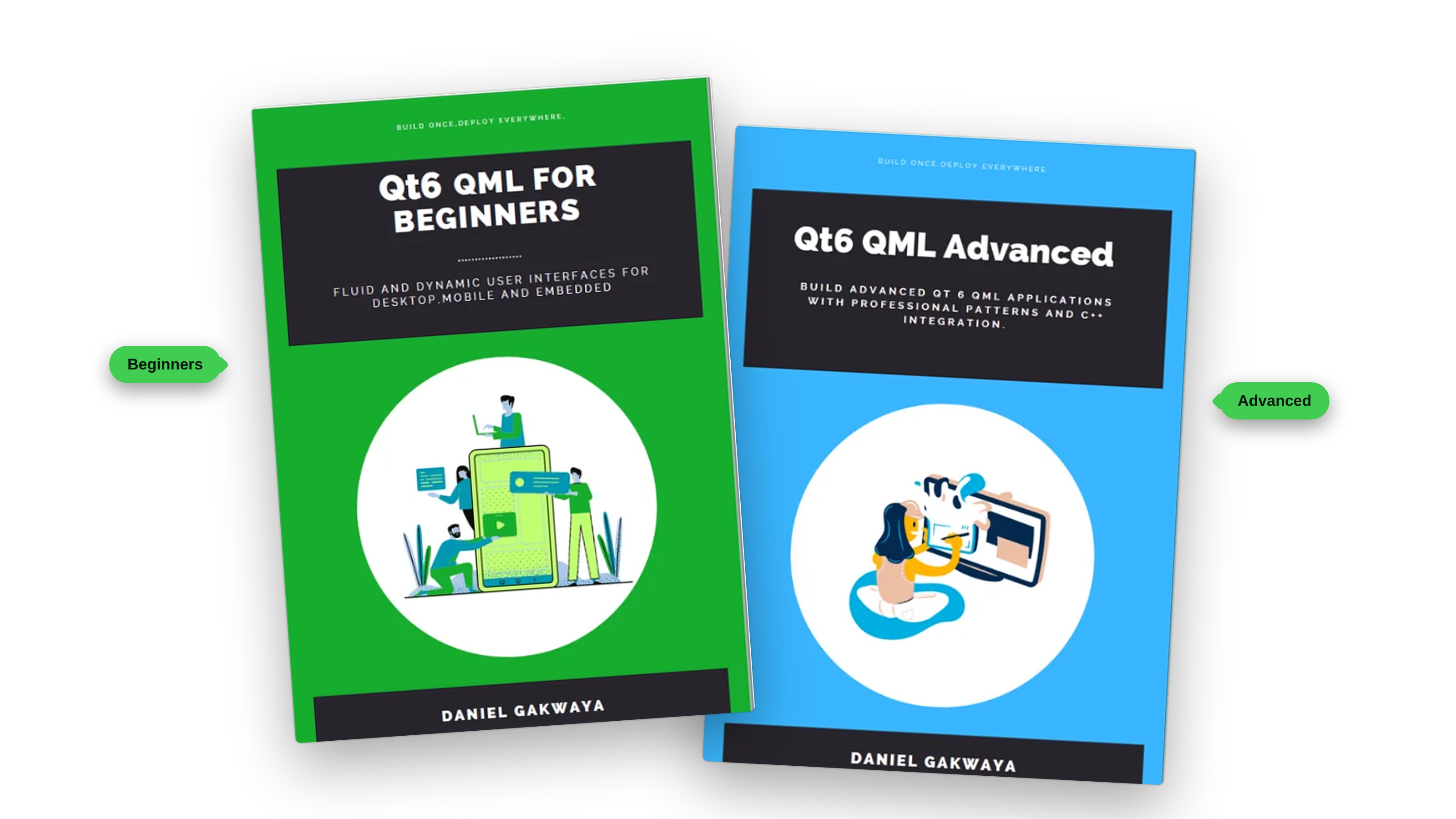
Want the complete path from your first QML window to professional apps? The Qt6 QML bundle pairs this book with Qt6 QML For Beginners, a full step-by-step course in QML that builds up to a persistent, network-connected To-Do List app. Together they take you from the fundamentals to production-grade C++/QML engineering.
Included:
-
📗 Book 1: Qt6 QML for Beginners (Live) A complete step-by-step guide to QML, from installing Qt to building a To-Do List app that animates, remembers your tasks with SQLite, and syncs over a REST API. No prior Qt experience needed.
-
📘 Book 2: Qt6 QML Advanced (Live) Connecting QML to a real C++ backend: a GitHub REST client, custom QAbstractListModel data models, pagination with caching and threading, and a reusable QML library you publish to GitHub. The patterns professional Qt teams actually use.
-
📙 Book 3 Qt6 QML Pro (Under development) Production engineering: custom visual components and charts, advanced QML engine control, a full IoT sensor dashboard on a Raspberry Pi, testing and debugging, and cross-platform deployment. Delivered chapter by chapter, and free for early-access buyers of Book 2.
Get the Bundle Now
Get the Bundle Now
⚠️ The price will go up once all the books are completed.
Best Value: Buying the bundle saves you money compared to purchasing each book separately—and gives you a complete learning path from beginner to advanced developer.
Get the bundle
What readers say
No reviews are published yet.