Professional Desktop Apps with Qt and C++
Build a Production-Quality Desktop Application from Empty Window to Polished Product
- EPUB
About this book
Build a complete System Monitor with custom widgets, real-time charts, and cross-platform architecture.
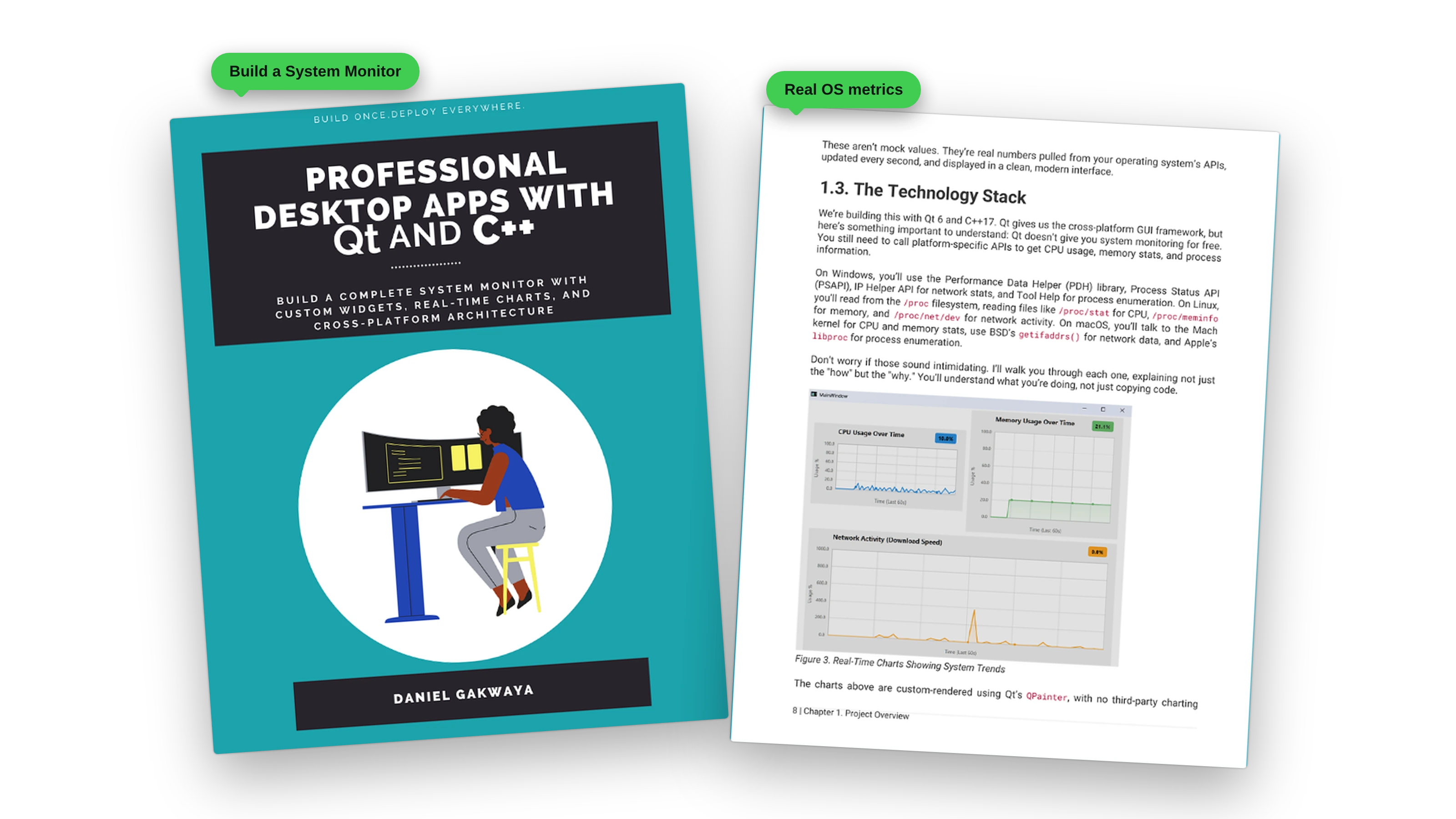
Most Qt tutorials teach you buttons. This book teaches you to build software.
You build one non-trivial application from an empty Qt Creator project all the way to a polished, themed, cross-platform desktop tool: a real system monitor that talks to the operating system, samples live data, paints its own custom widgets, and runs natively on Windows, Linux, and macOS. It shows real-time CPU and memory charts, tracks network activity, lists running processes, and supports light and dark themes.
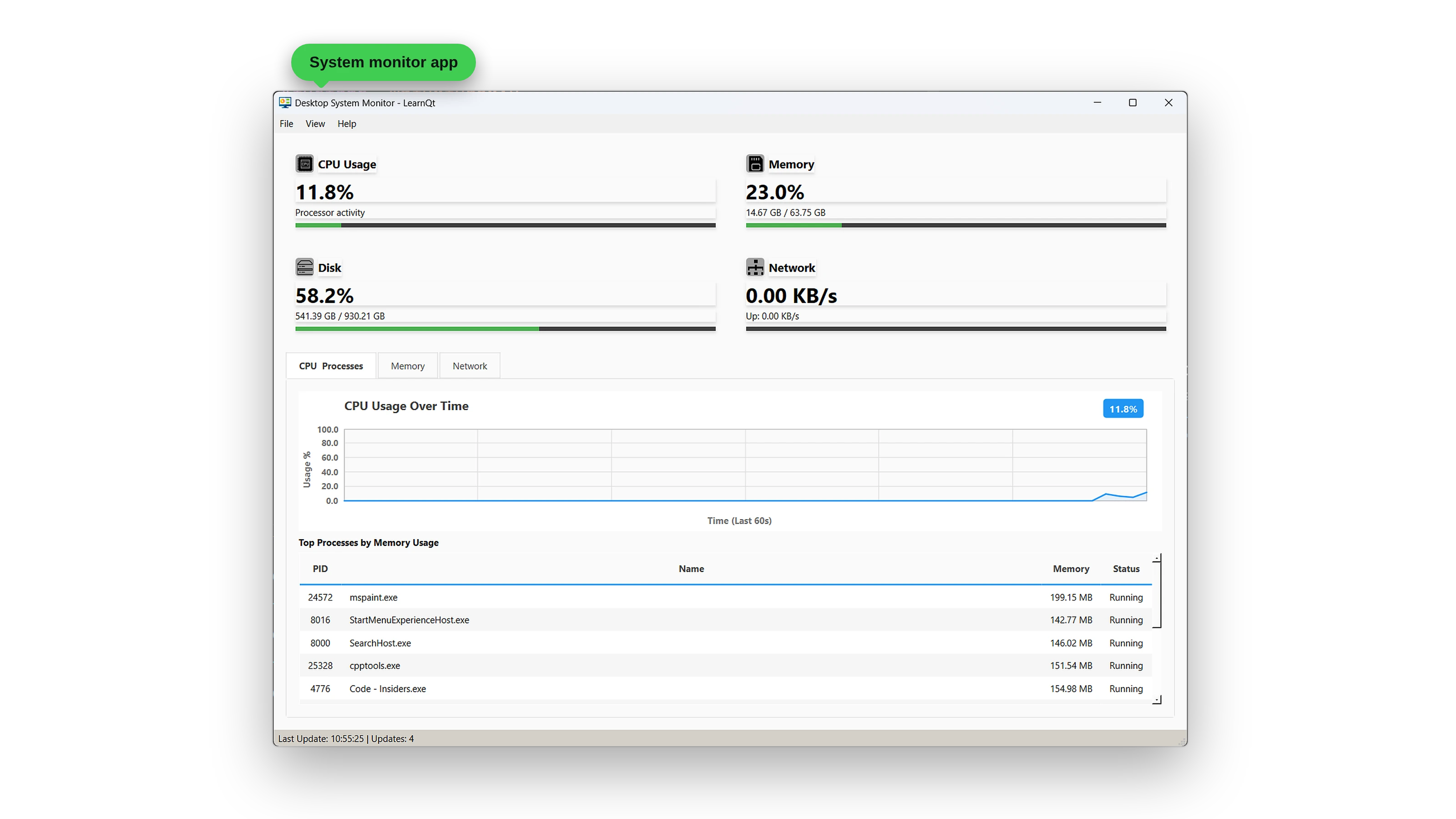
Every number you see in that window was pulled from a platform API that the book teaches you to call directly. No mock data, no “imagine if this were a database.”
- Build something real: a complete System Monitor with custom widgets, live charts, and process monitoring
- Go cross-platform the right way: clean platform-specific code for Windows APIs, Linux’s /proc filesystem, and macOS system calls, selected at build time through CMake with no #ifdef spaghetti
- Paint your own widgets: build a real-time chart widget pixel by pixel with QPainter, Bezier curves, and gradient fills, with no third-party charting library
- Master architecture that scales: learn the three-layer pattern (data collection, business logic, presentation) that professional teams actually use
- Qt 6 and C++17: modern Qt Widgets, built for the desktop
The System Monitor is the vehicle, not the destination.
How This Book Works
The book has nine chapters: a project overview, seven progressive iterations, and a closing summary. Each iteration is a self-contained chapter that leaves the project in a runnable state, so you never spend forty pages writing code that doesn’t compile.
Iteration 1: Setting Up the Foundation
You use Qt Creator’s project wizard to create a properly configured CMake project with the essential Qt structure: main.cpp, a MainWindow class, and a .ui file. It won’t do much yet, but you’ll understand every file in the project and how they work together. This is the foundation the entire System Monitor is built on, and the goal of the chapter is simply an empty window.
Iteration 2: Talking to the Operating System
This is where the real fun begins. You build the data collection layer that talks directly to the operating system, with three implementations behind one common interface:
- Windows: Performance Data Helper (PDH),
GlobalMemoryStatusEx, IP Helper, Tool Help, PSAPI - Linux:
/proc/stat,/proc/meminfo,/proc/net/dev,/proc/[pid]/...,sysinfo(),statvfs() - macOS:
host_statistics64,sysctlbyname,getifaddrs,proc_listpids,proc_pidinfo
CMake picks the right source file at build time, and preprocessor guards keep each platform safe. You won’t just copy code: the book explains not only the “how” but the “why” of each API. By the end of the chapter you have console output proving that all three platforms return real numbers.
Iteration 3: The SystemMonitor Engine
You introduce the SystemMonitor business logic class. A QTimer polls the data layer once a second, signals fire when values change, and the rest of the application stops caring about platform details forever. This is the layer that makes the architecture clean.
Iteration 4: Custom InfoCard Widgets
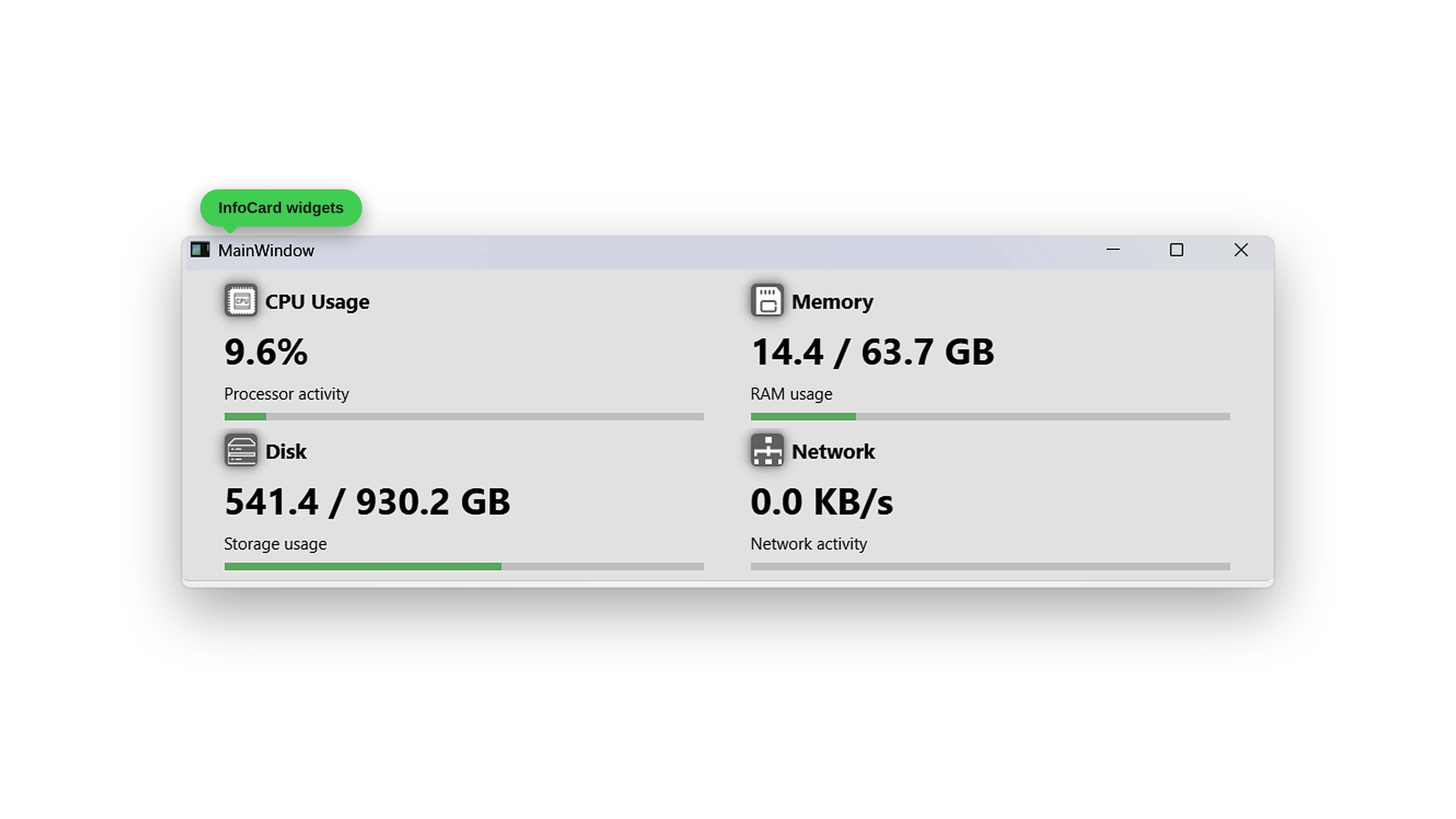
The UI starts to feel like a real product. You build a custom InfoCard widget from scratch using QPainter, with an icon, title, big value, subtitle, percentage bar, and theme-aware colors. It’s reusable, composable, and yours. Then you arrange four of them in a 2x2 grid, connect them to the SystemMonitor with signals and slots, and watch CPU, memory, disk, and network update every second.
Iteration 5: Real-Time Charts From Scratch
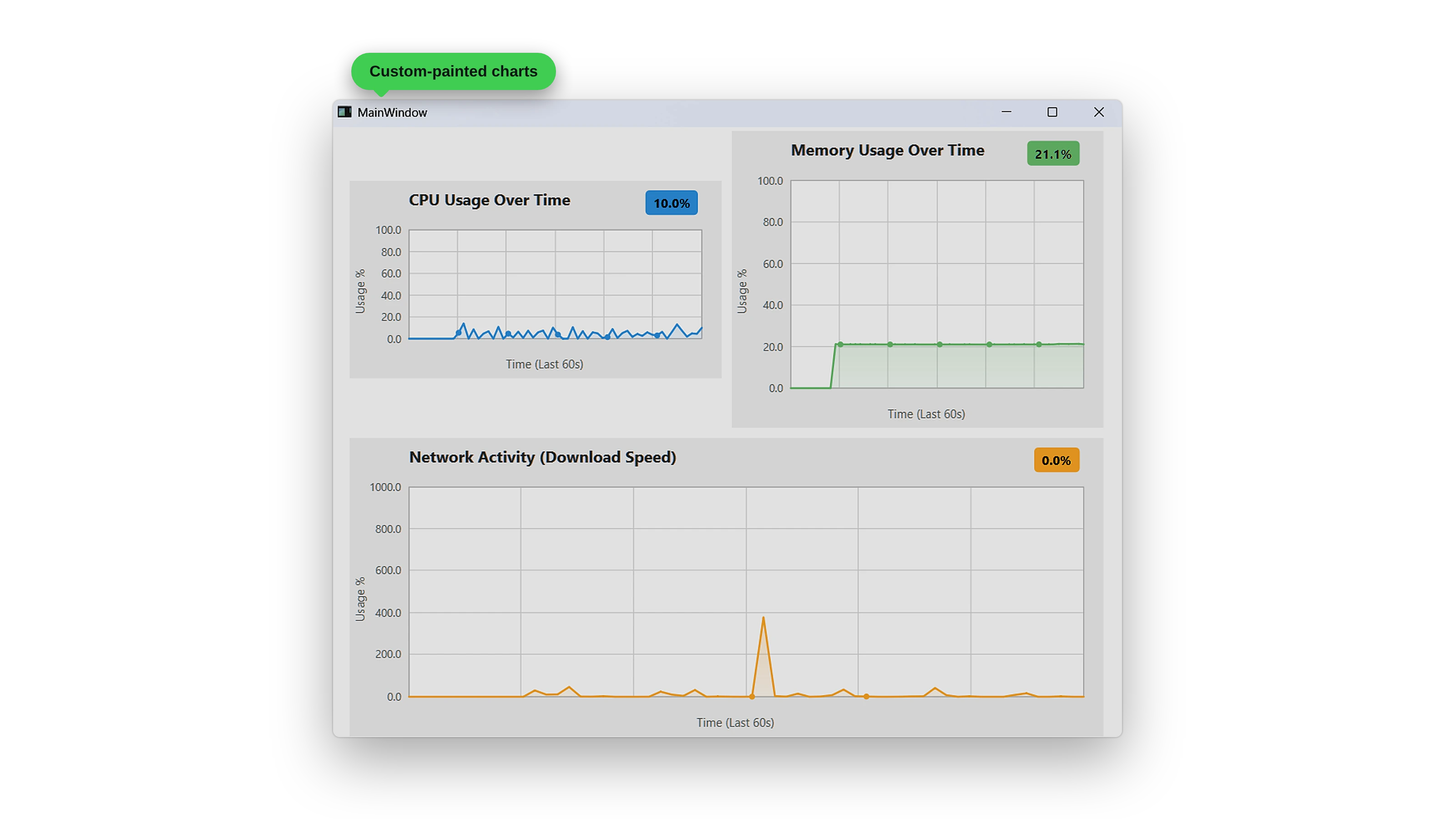
Most readers enjoy this chapter the most. You build a real-time scrolling line chart from nothing. No QtCharts, just QPainter, a vector of data points, a paint event, and the patience to add one feature at a time: grid lines first, then axis labels, then the data line, then a filled gradient under it, then Bezier smoothing, then a value badge. Each step compiles and runs. By the end of the chapter, you have three charts on screen tracking CPU, memory, and network, sampling at 1 Hz and scrolling smoothly.
Iteration 6: A Live Process Table
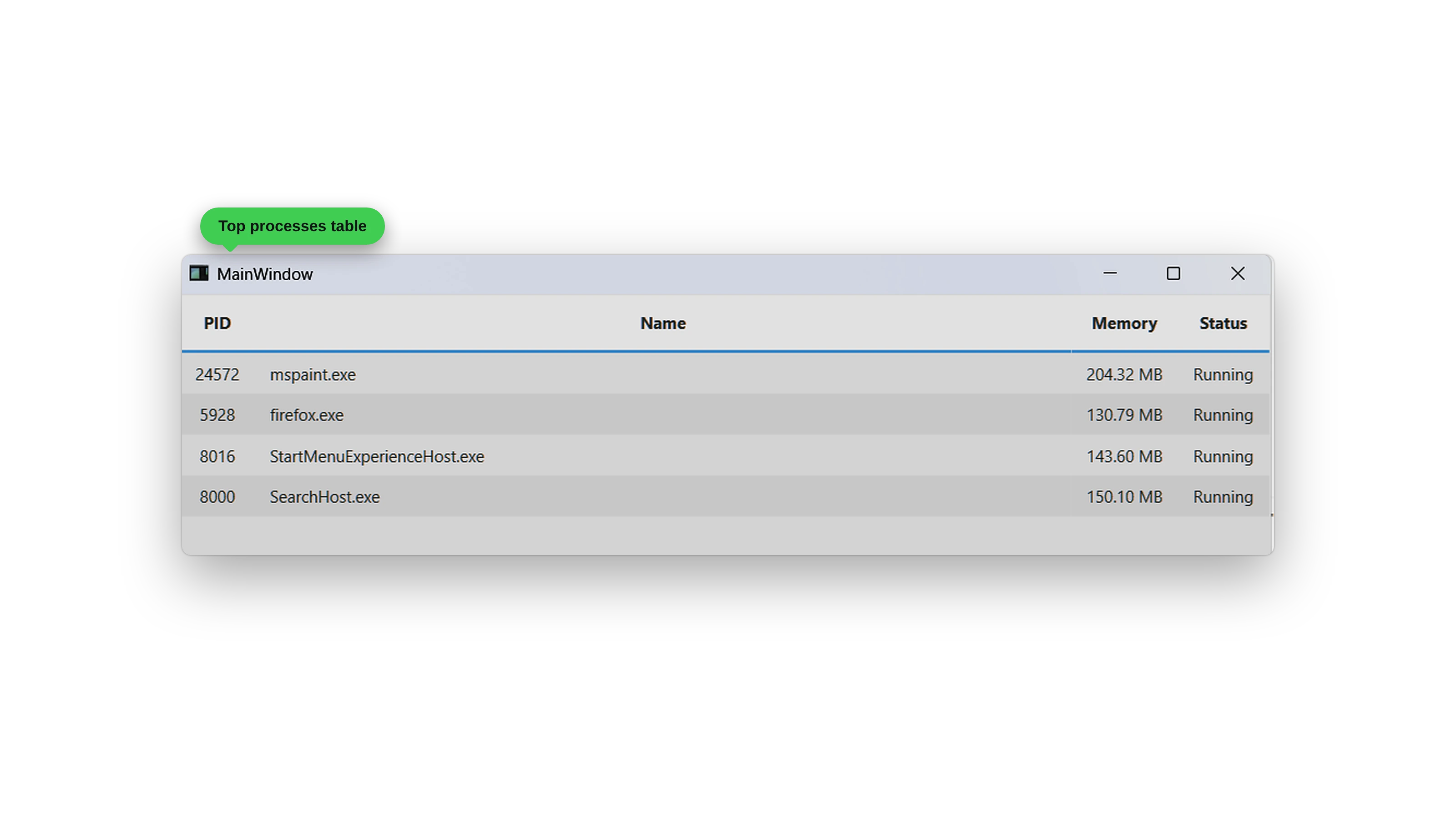
You add a ProcessTableWidget that subclasses QTableWidget to show the top processes by memory, with their PID, name, memory use, and status, updating without flicker.
Iteration 7: Menus, Tabs, and Themes
Everything comes together: a menu bar, tabs for CPU, memory, and network, a status bar, and a Theme class that flips the entire UI between dark and light through a single QPalette change. One application, two themes, and zero changes to the widgets that draw the cards or the charts. This is the chapter that turns a working prototype into something that looks and feels like an application you would actually ship.
Why a Three-Layer Architecture Matters
Every chapter pulls toward the same architectural shape. Three layers, each with one job:
- Data Collection: free functions in a
SystemInfonamespace, with three platform-specific implementations selected at build time - Business Logic: a
SystemMonitorclass that polls, caches, and emits signals, with no UI code and no platform conditionals - Presentation:
MainWindowand the custom widgets, which listen for signals and update themselves and never poll or call platform APIs
The book keeps coming back to this because it transfers. You will use the same pattern on the next desktop project you build, even if it has nothing to do with system monitoring. Knowing where to put a thing is most of what makes a codebase pleasant to work in two years later.
The Code Is Real, and There Is a Lot of It
The book shows complete code. No ... elisions, and no “rest of the implementation is left as an exercise.” If a function is on the page, it’s a function you can copy into your project and watch compile.
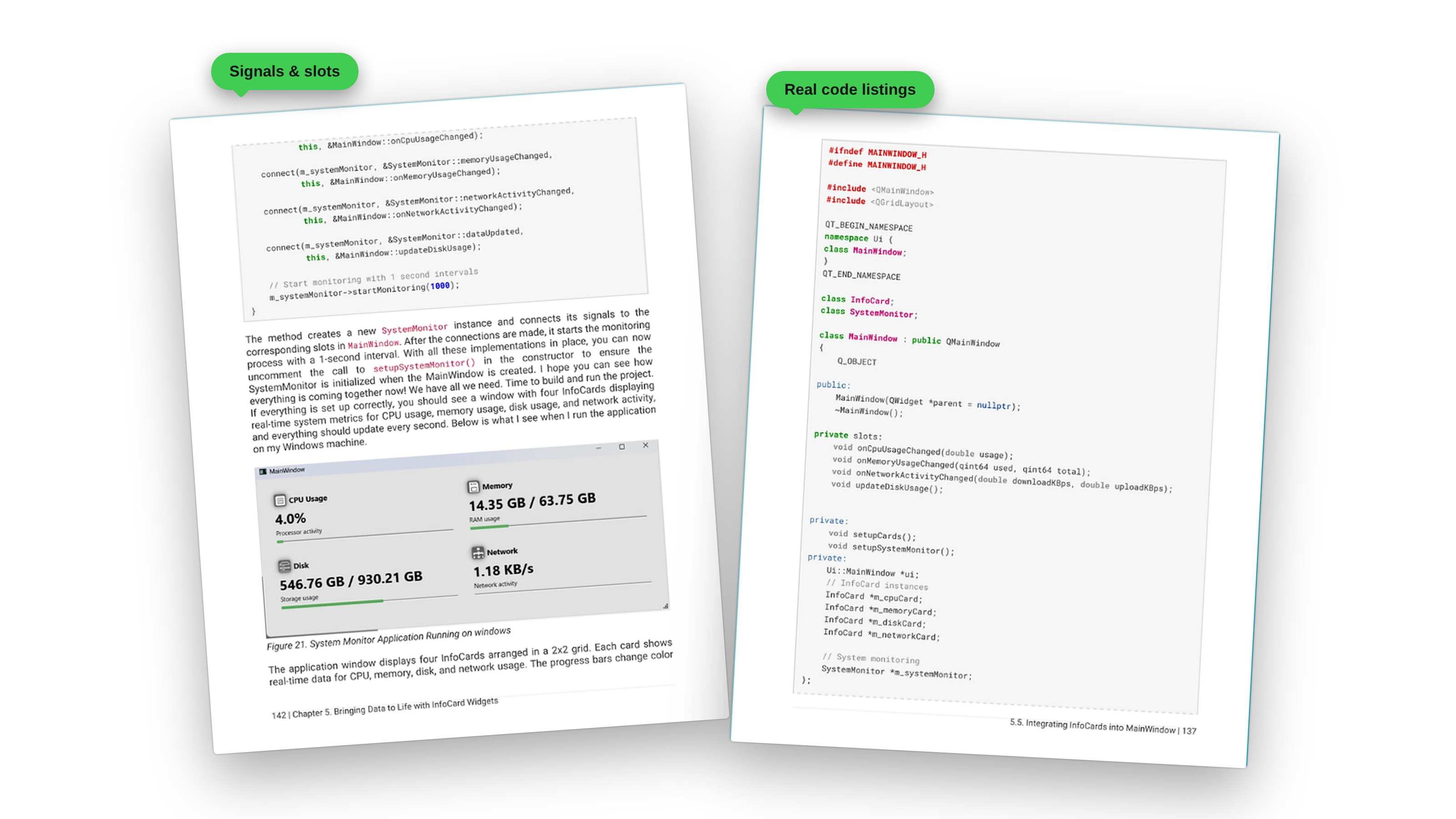
Every chapter follows the same rhythm: show the code, walk through what it does, tell you to build and run, then describe what you should see. If you have ever read a programming book that left you guessing whether your output was right, you know how much that matters.
The full source is also mirrored on GitHub at github.com/rutura/SystemMonitor, so you can compare your code against the reference at any iteration boundary.
A Look Inside the Book
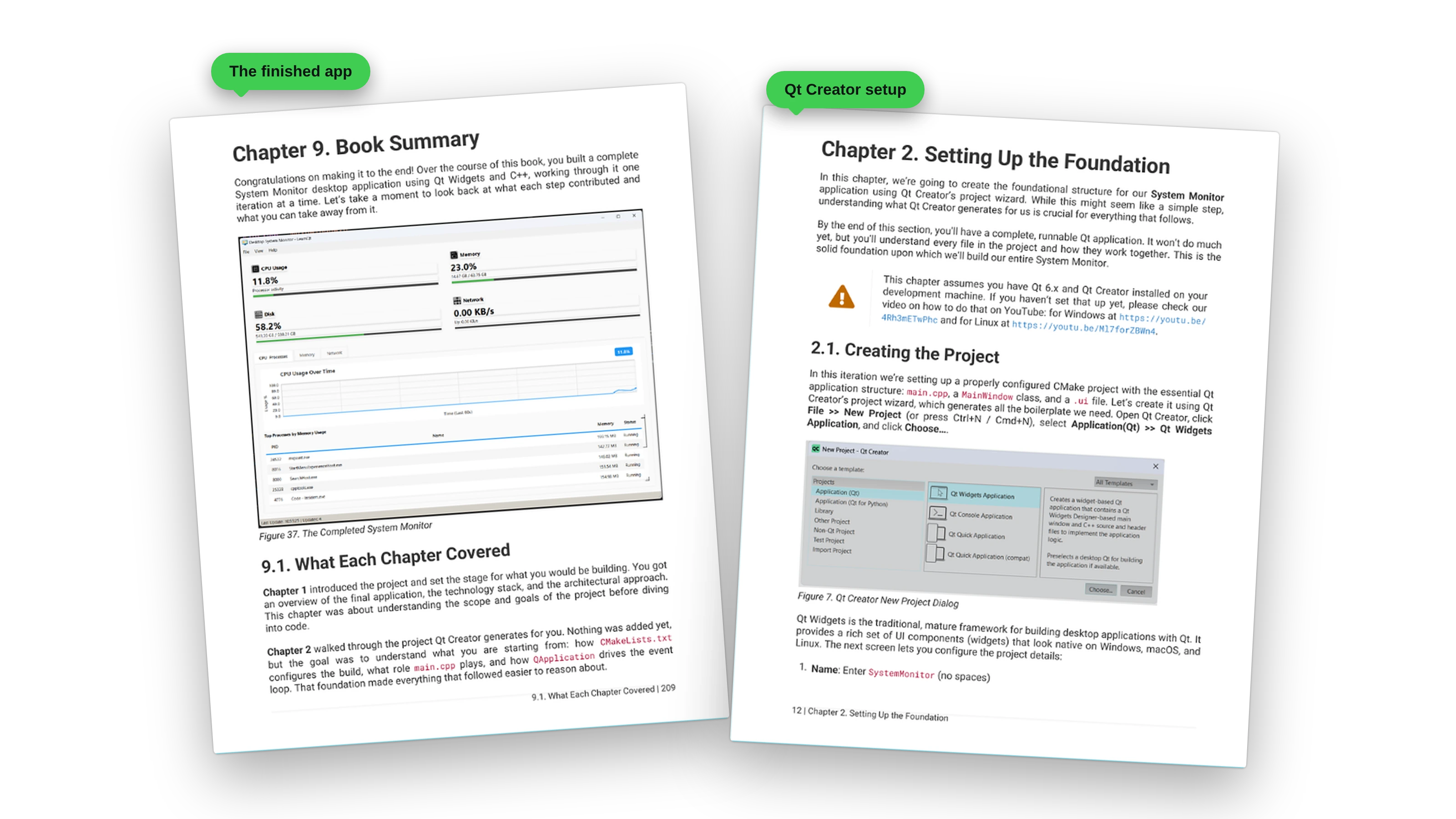
Real pages from the PDF, from the Qt Creator setup in Chapter 2 to the Chapter 9 summary that looks back at what each step contributed and what you can take away.
Who This Book Is For
This book is for you if:
- You know some C++ and want to graduate from toy tutorials to real applications
- You want to understand how desktop software actually talks to the operating system on three different platforms
- You want to build custom widgets from scratch with
QPainter, not just glue together stock controls - You are tired of tutorials that explain syntax and leave you stuck on architecture
- You want one finished, polished project on your hard drive at the end, not seven half-built experiments
No prior Qt experience required. It does assume you are willing to compile something, run it, and look at the output before turning the page.
It is probably not the right book if you have never written any C++ at all, or if you are looking for a Qt Quick / QML book. The focus here is Qt Widgets with C++17, on the desktop, on all three major platforms.
What You Get
- The book in PDF and EPUB, readable on any device
- 226 pages of complete, compilable code and explanations
- A finished, cross-platform System Monitor you built and understand line by line
- The full source code for every iteration
- Links to setup videos for installing Qt 6 and Qt Creator on Windows and Linux
Ready?
Grab your copy and I’ll see you on the other side.
What readers say
No reviews are published yet.